AI 3D Model Generator
AI 3D Model Generator: Turn Text or Images Into 3D in Seconds
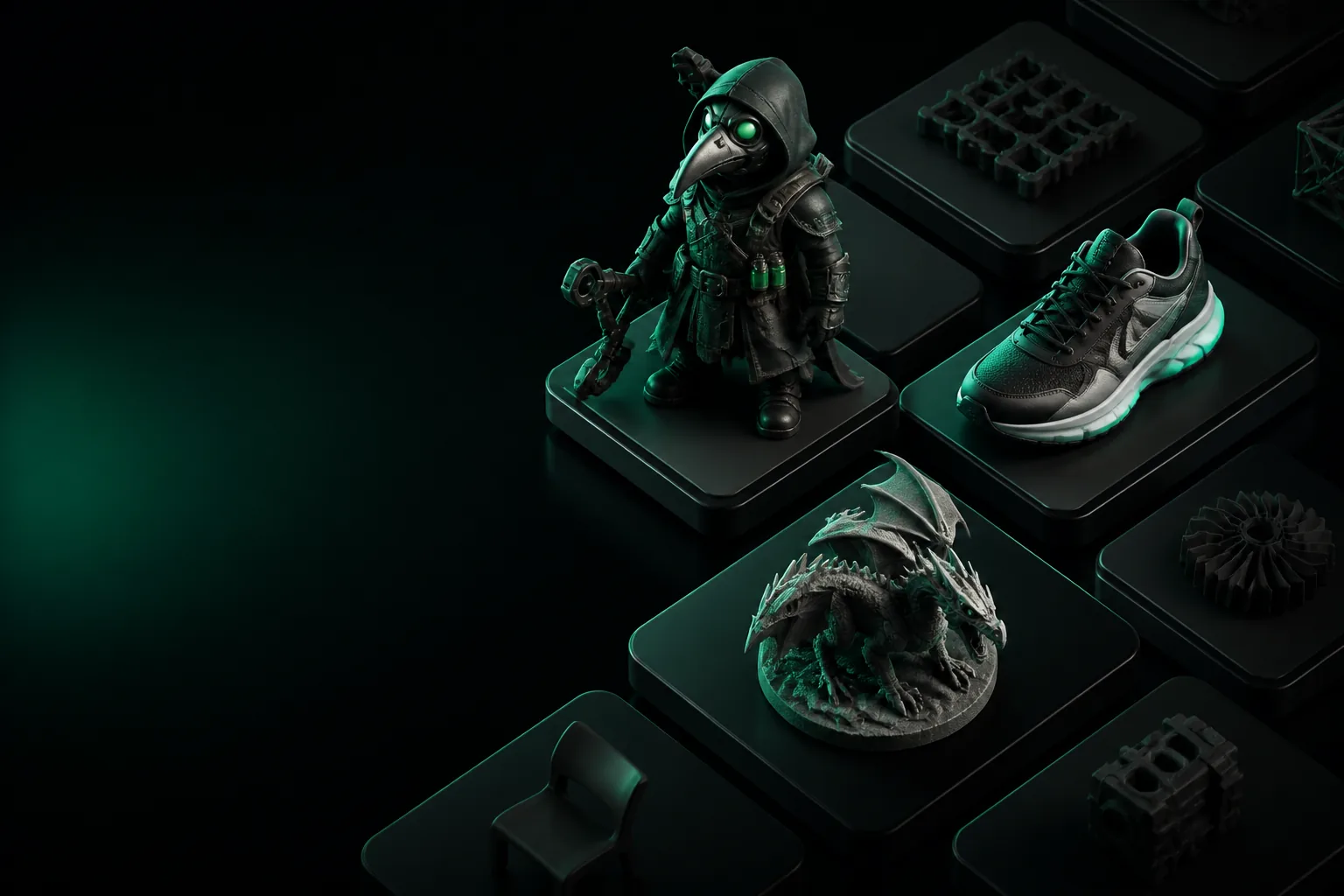
An AI 3D model generator turns a text prompt or a single photo into a textured, ready-to-use mesh. We built one that understands real workflows — game assets, product mockups, print files — and delivers geometry you can actually use.
How it works
Three steps from idea to usable asset. No modeling experience required.
Describe or upload
Type a prompt like "low-poly knight with sword" or drop in a reference image. The AI parses shape, style, and materials.
Generate
Our models are optimized for speed. Most generations complete in under a minute, instantly available for preview.
Export
Download as GLB, OBJ, or STL. Textures and UV maps are already applied — ready for your game engine, 3D printer, or portfolio.
Built for real use cases
Whoever you are, a good AI 3D model generator fits into your workflow.
Game developers
Prototype a level with ready-to-rig assets in minutes. Iterate on a character concept without waiting for a full art pass.
AI 3D for game dev speeds up pre-production.
Ecommerce teams
Show products from any angle without a photoshoot. Generate a 3D model from a single product photo and display it in your store.
For storefronts, AI 3D for ecommerce cuts asset cost dramatically.
3D printing hobbyists
Turn a sketch or idea into a printable STL. No CAD experience needed, just a prompt and a bit of patience.
Our PNG to STL converter is a favorite entry point.
Indie creators
Add a 3D touch to your content without learning Blender. Generate backgrounds, props, and characters for videos or streams.
It is a practical 2D to 3D model AI for your existing art.
Architects
Flesh out a concept with site context. Generate trees, furniture, and people to populate a scene fast.
A great best AI 3D model generator fits your pre-vis pipeline.
Educators
Create visual aids for physics or biology classes. Generate an accurate model of a molecule, a heart, or a gear train.
Start with what is Tripo3D for a broader overview.
Speed you can measure
The gap between traditional modeling and AI generation is not small.
Before vs. after: what the output looks like
A single prompt returns geometry a human modeller would spend a day on.
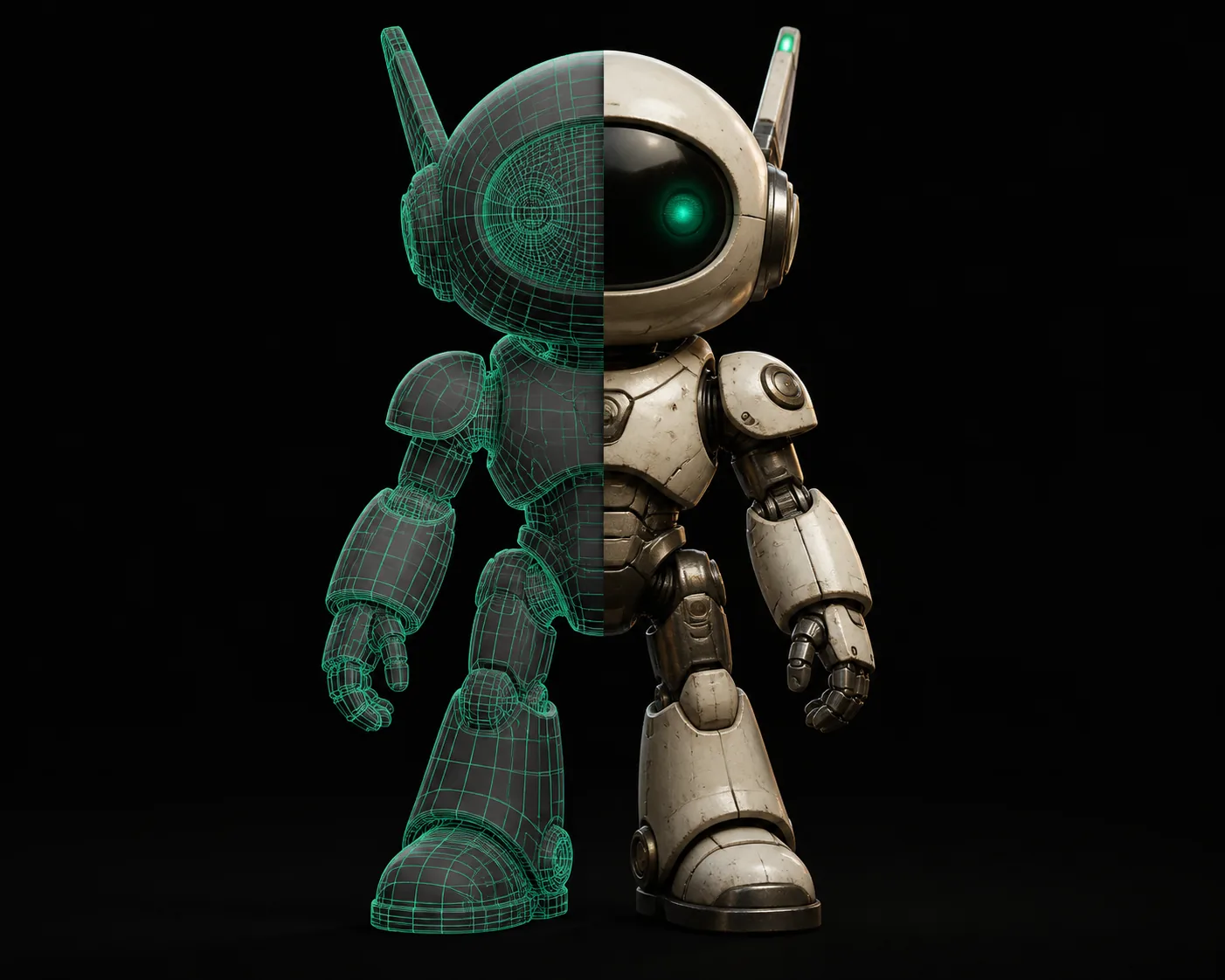
The right image is the exact output of a single text prompt — no cleanup, no manual retopology.
Estimate your time savings
See how many hours an AI 3D model generator can return to your week.
Assumes 4 hours per manual model, 12 minutes per AI generation.
Frequently asked questions
Answers to the things people ask most about AI 3D model generators.
What is an AI 3D model generator?
An AI 3D model generator is a tool that takes a text description or an image and produces a three-dimensional mesh — a digital object with vertices, edges, and faces — complete with textures and materials. It uses a neural network trained on millions of 3D objects to infer shape, structure, and appearance. The result is exported in a format you can use in games, simulations, or 3D printing.
How does AI generate 3D models?
The AI analyzes the input prompt or image and compares it against learned patterns of 3D geometry. It predicts a signed distance function or voxel grid, then converts that into a polygon mesh. The process runs on a GPU and typically finishes in 30–60 seconds. The generated mesh is decimated, UV-mapped, and textured automatically before you see it.
What file formats does an AI 3D model generator output?
Most generators support GLB, OBJ, FBX, STL, and sometimes USDZ. GLB is preferred for web and AR; OBJ and FBX are standard in game engines like Unity and Unreal; STL is what 3D printers expect. Using a GLB to OBJ converter when needed lets you move between workflows without losing quality.
How accurate are generated models?
For hard-surface objects, stylized characters, and props, accuracy is very high — the model is immediately usable after export. For organic or complex mechanical parts, you may want to check topology and make minor adjustments. The geometry is clean watertight mesh, so downstream editing is straightforward.
Can I use the generated models commercially?
Yes, models generated with a paid plan of the tool you use are yours to use in commercial projects — games, ads, products, and even for sale as digital assets. Free tiers often carry a license restriction, so always check the specific terms. Our default license allows commercial use on paid plans.