3D Format Converter
Convert GLB to OBJ for Editing and Game Engines
GLB files are compact and web-ready, but most 3D editors still expect OBJ. Our free converter extracts the mesh, UVs, and materials from your GLB and repackages them as a universal OBJ — no upload, no watermark, no account needed.
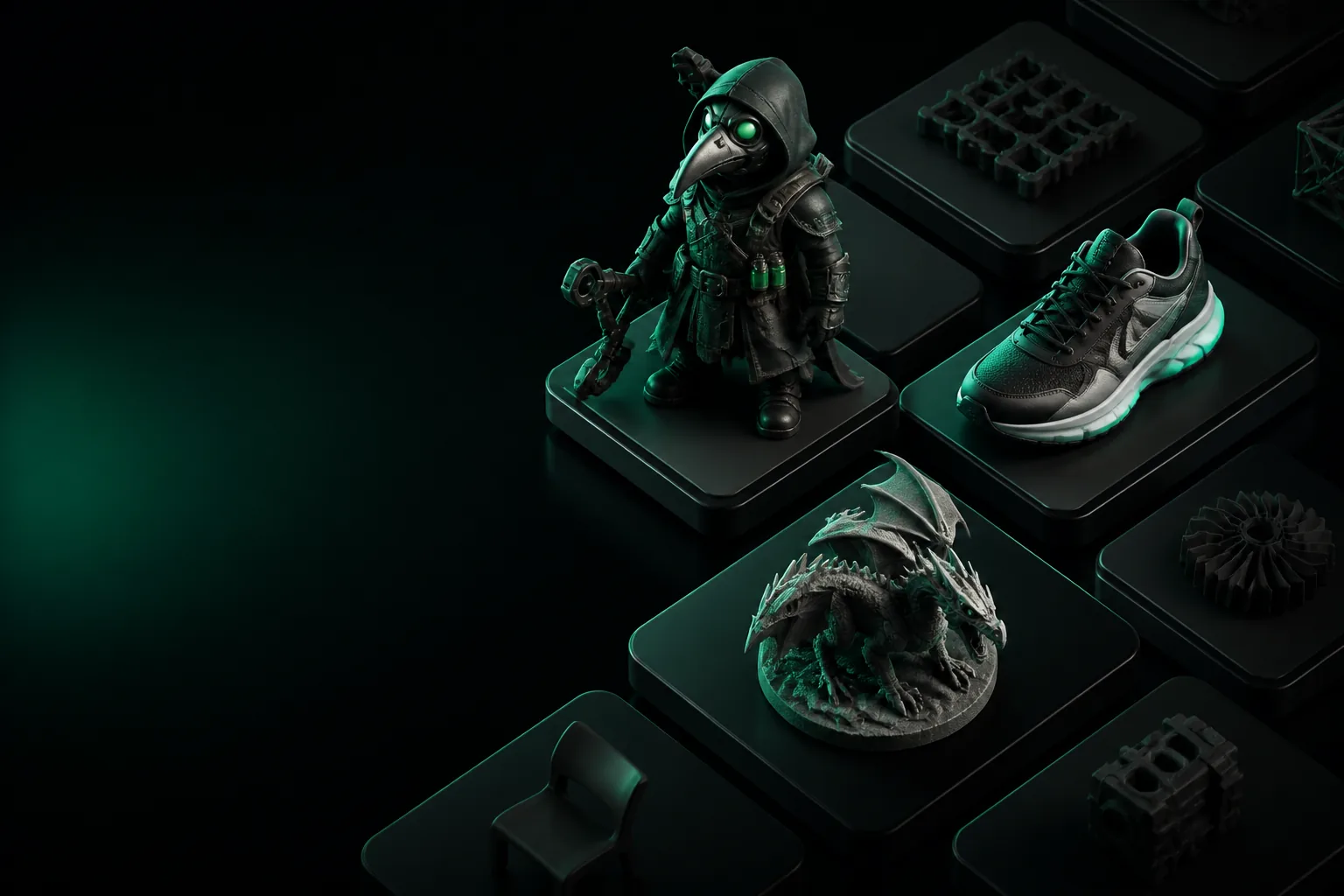
Format Differences
GLB vs OBJ: What Changes When You Convert
Both formats store 3D geometry, but they serve different parts of the pipeline. Here's exactly what survives the trip.
Before & After
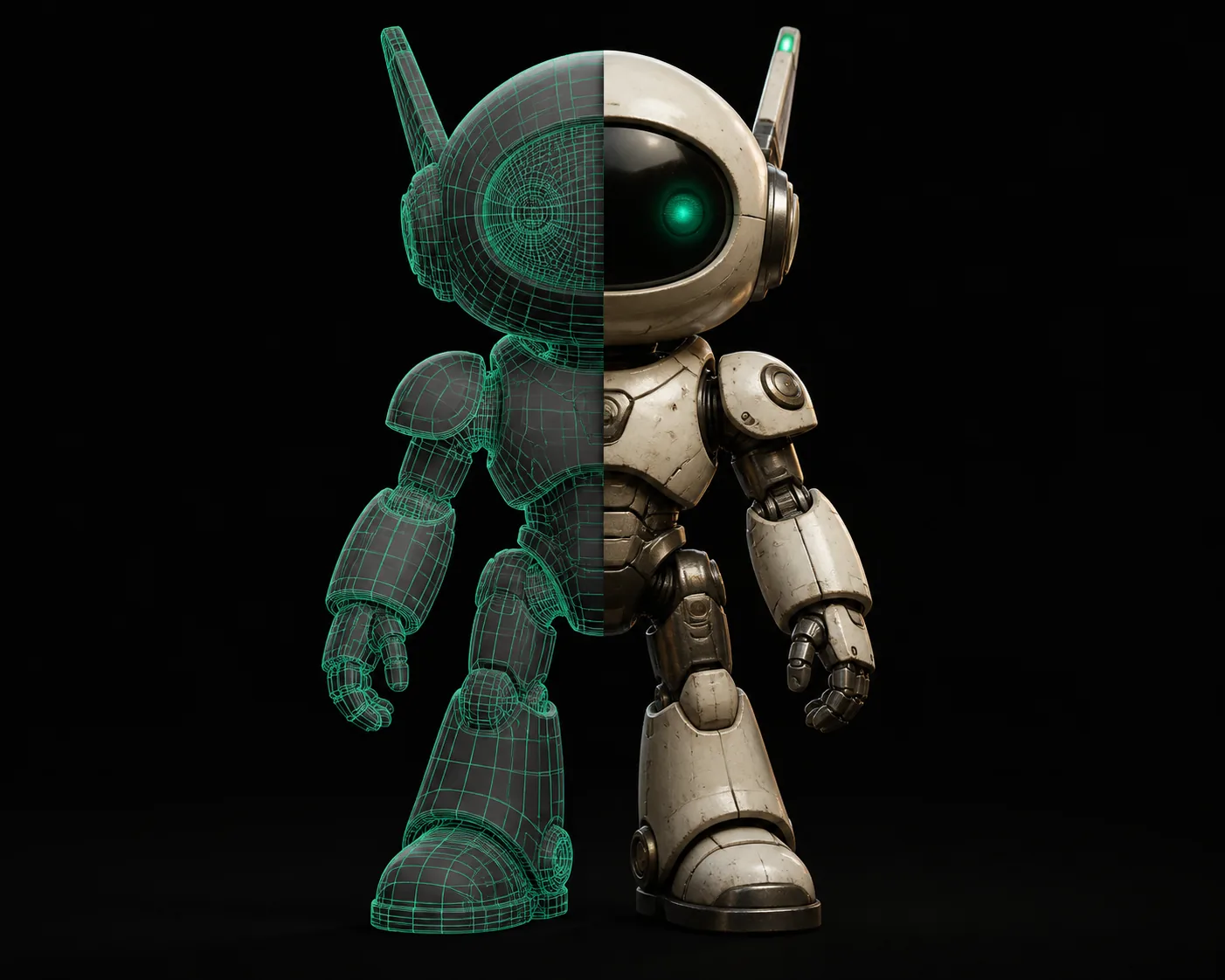
What Your Model Looks Like Before and After
Same geometry, same materials — just a different container. The mesh data is identical; only the metadata wrapper changes.
Who This Is For
Five Workflows That Start With a GLB to OBJ Conversion
Different jobs, one shared first step. Here's how people in each role put the converted OBJ to work.
Blender Artists
You downloaded a free GLB from Sketchfab and need to sculpt it. OBJ imports cleanly into Blender with quads preserved, making retopology far easier.
Need to go the other direction? Our obj to glb converter handles that too.
Unity Developers
Unity's OBJ importer handles vertex colors and materials better than GLB in some pipeline setups. Convert once, import everywhere without re-exporting.
If you're working with FBX instead, try our fbx to glb converter for the reverse.
3D Printers
Slicers like Cura and PrusaSlicer understand OBJ natively. Convert your GLB model to OBJ before slicing to avoid geometry upload errors.
For STL workflows, see our stl to fbx converter for game-ready exports.
AR/VR Designers
Your client sent a GLB from their web configurator. You need it in Maya for lighting passes. OBJ is the interchange format every DCC tool reads.
Starting from a 2D image instead? Use image to glb to generate the base model first.
E-commerce Teams
Product configurators output GLB for web display. Your print catalog team needs OBJ to create technical illustrations in Illustrator-compatible 3D tools.
For print-ready outputs, check our png to stl converter for elevation-based models.
Architecture Viz
BIM tools export GLB for design review. Your rendering farm needs OBJ for 3ds Max. This conversion bridges the gap without model rebuilds.
Printing architectural models? See our 3mf to stl converter for fabrication.
How It Works
Four Steps From GLB to a Clean OBJ
The whole process runs in your browser. Your model never leaves your machine.
Drop Your GLB
Drag and drop your file into the converter. Files up to 200 MB are supported. The binary header is read instantly to confirm it's a valid GLB.
Mesh Data Extraction
The converter parses the glTF buffer, extracting vertex positions, normals, UV coordinates, and material indices from the binary chunk.
OBJ + MTL + Textures
Geometry is written to a .obj file, material definitions to a .mtl, and texture images are saved alongside. All three come down as a zip.
Open in Any Editor
Unzip and import the OBJ into Blender, Maya, 3ds Max, Unity, or any tool that reads Wavefront. Quads are preserved when present in the source.
Size Calculator
Estimate Your Output File Size
OBJ files are ASCII text — they run larger than the compact binary GLB. Slide to see what your converted file will weigh.
25 MB
Estimated conversion results:
What This Converter Can't Do
Honest Limits of GLB to OBJ Conversion
Conversion is lossless for geometry, but some GLB features have no OBJ equivalent. Know what you're giving up before you convert.
Animation Data Is Dropped
OBJ is a static mesh format. Skeletal animations, morph targets, and node transforms from your GLB simply have no place to go. The mesh exports at its bind pose.
Workaround: export a separate FBX for animation, or use our fbx to glb converter to move animation-capable files.
PBR Materials Simplify
glTF's metallic-roughness workflow doesn't map 1:1 to OBJ's MTL format. Your base color and roughness survive, but some advanced PBR layers like clearcoat or emissive maps may flatten.
Workaround: re-apply advanced materials in Blender after import.
Node-Based Textures May Rasterize
If your GLB uses procedural textures defined in glTF KHR extensions, the converter rasterizes them to image maps. Texture resolution may reduce below the original.
Workaround: keep the original GLB as reference and rebuild critical textures.
Large Files Can Be Slow
Browser-based conversion means everything happens on your device. A 200 MB GLB with many textures may take 30–60 seconds and use significant RAM on older machines.
Workaround: split large scenes into parts before converting.
FAQ
GLB to OBJ Questions, Answered
Straight answers on what the converter preserves and what it doesn't.
Does GLB to OBJ conversion lose quality?
No — geometry, UVs, and vertex colors are preserved exactly. The mesh data in OBJ is identical to the GLB source. What changes is the container: OBJ stores data in plain text with an external MTL file, so file size increases but polygon count and precision stay the same.
Why is the OBJ file bigger than the GLB?
GLB is a binary format that packs data compactly. OBJ writes every vertex position, normal, and UV coordinate as human-readable ASCII numbers with spaces and line breaks. That verbosity adds about 30–50% to geometry data, plus textures export as separate image files.
Can I convert GLB to OBJ with textures included?
Yes. The converter extracts texture images from the GLB binary chunk and saves them alongside the .obj and .mtl files. Everything comes down in a single zip archive. The MTL file references the images by name so they link up when you open the OBJ in Blender, Maya, or Unity.
Will my Blender materials work after conversion?
Base materials transfer cleanly — diffuse color, roughness, metallic, and normal maps all carry over through the MTL file. Advanced Blender node setups that use custom shader graphs may need rebuilding, but the underlying data (textures, UVs, normals) is all there for you to reconnect.
Ready to convert your GLB?
Free, instant, and private — your model never leaves your browser.
Convert Now — It's Free