Convert OBJ to GLB Online in Seconds
Tripo 3D's OBJ to GLB converter turns a Wavefront OBJ mesh into a glTF Binary (GLB) file without losing materials, textures, or UVs. You drag a file into the browser, the tool rebuilds the scene graph, and you download a single ready-to-use asset. No software install, no account, no email.
Variant basics
What this conversion does
A side-by-side look at how OBJ and GLB structure the same mesh data.
Why A to B
Why move an OBJ into GLB?
GLB gives you one file that loads in browsers, engines, and game runtimes without external dependencies.
Before — OBJ source
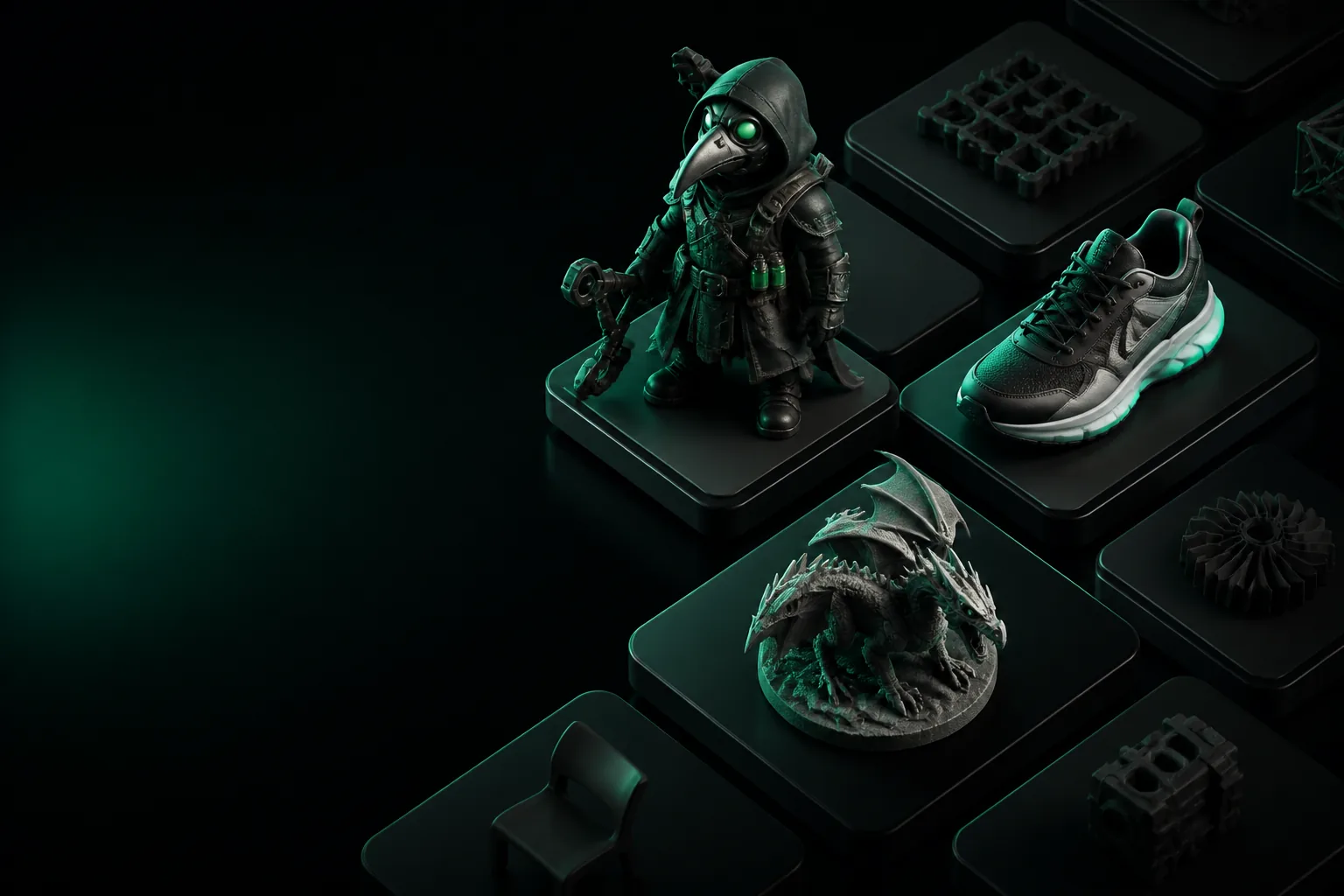
OBJ is common in DCC tools, but the mesh depends on a separate .mtl file and texture images.
After — GLB output
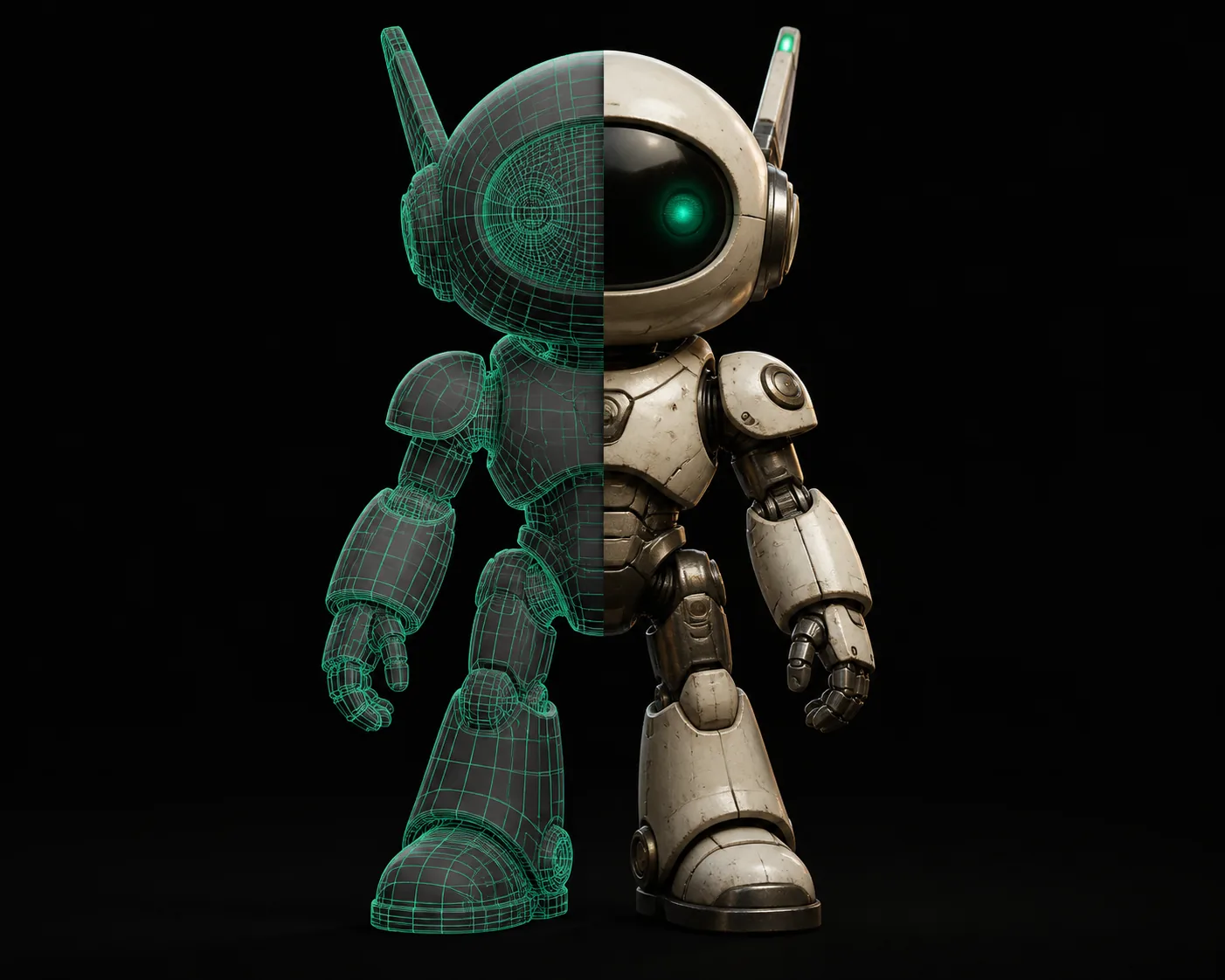
GLB packs geometry, PBR materials, and textures into one binary asset ready for the web.
The divider is the conversion pass: OBJ stays editable, GLB stays portable.
Use cases
Game developer
You sculpted a character in Blender and exported OBJ, but the game engine wants a self-contained runtime mesh. GLB keeps the UVs and PBR material readable by Unity and Godot.
glb to obj — useful when an asset pipeline needs the reverse direction.Web developer
You need a model to load in model-viewer or three.js. GLB avoids separate texture requests and works over CDNs.
image to glb — start from a single 2D photo if no OBJ exists.Product designer
You receive OBJ exports from CAD but need lightweight AR and 3D configurators. GLB gives you a predictable file to share with clients.
fbx to glb — for preserving rigs and larger scenes when FBX is the source.3D printing hobbyist
OBJ is editable, but slicers prefer STL. If the final goal is a print, use this conversion path instead.
stl to fbx — the format pair that keeps print geometry clean.Honest limits
No animation data
OBJ stores no skeleton, so GLB cannot invent rigs. Re-rig in Blender before conversion if you need animation.
Large textures stay large
GLB embeds referenced textures, so a 4K OBJ texture set can produce a heavy file. Compress images before uploading.
Normals can flip
Inconsistent winding in OBJ can invert faces in GLB. Recalculate normals after import if a mesh looks inside-out.
No scene hierarchy
OBJ is a flat mesh list. GLB nodes may merge or rename objects, so organize the scene before conversion.
The tool block
Convert OBJ to GLB with the tool
Three steps, no account, finished file in your downloads folder.
Drop the OBJ
Upload a .obj file; the tool also reads its .mtl and texture references.
Repack
Geometry, UVs, and PBR materials are written into a glTF Binary container.
Download
Get the .glb file and open it in any glTF viewer.
Verify
Check textures and normals in Blender or model-viewer.
Why it matters
At a glance
OBJ vs GLB at a glance
The table above is the quick reference. GLB wins when you need a single portable asset; OBJ remains a better editable interchange format for DCC tools.
FAQ
Frequently asked questions
Can I convert OBJ to GLB without losing textures?
Yes. If the OBJ references image maps in an MTL file, the converter embeds those maps into the GLB. Keep the OBJ, MTL, and texture files in the same folder before uploading.
Is GLB smaller than OBJ?
Usually yes. GLB packs geometry and textures into one binary stream, so it avoids duplicate file-system overhead and can use mesh compression. A very large embedded texture can still make the final file big.
What opens a GLB after conversion?
Blender, model-viewer, three.js, Unity, Godot, and most web-based glTF viewers open GLB directly. No extra plugin is needed for the format itself.
Do I need to create an account?
No. Tripo 3D keeps the conversion anonymous and free. Upload an OBJ, download the GLB, and leave with the file.