Tripo 3D format tools
STL to FBX Conversion Without the Mesh Damage
An STL to FBX conversion is one of the most common file swaps in 3D printing and game dev. STL files describe surfaces as raw triangles; FBX files add hierarchy, UVs, materials, and animation data. The converter below handles the swap in one pass, then gives you a clean FBX you can open in Blender, Unity, or Unreal.
A/B structural difference table
When you perform an STL to FBX conversion, the converter must rebuild data the STL simply never stored. This table shows the structural gap between the two formats.
What conversion loses
The mesh stays, but the wrapper changes. The pair below shows the same asset before and after the handoff. After conversion, if the final destination is a web viewer, the fbx to glb route keeps the same converted mesh light without re-exporting from the DCC.
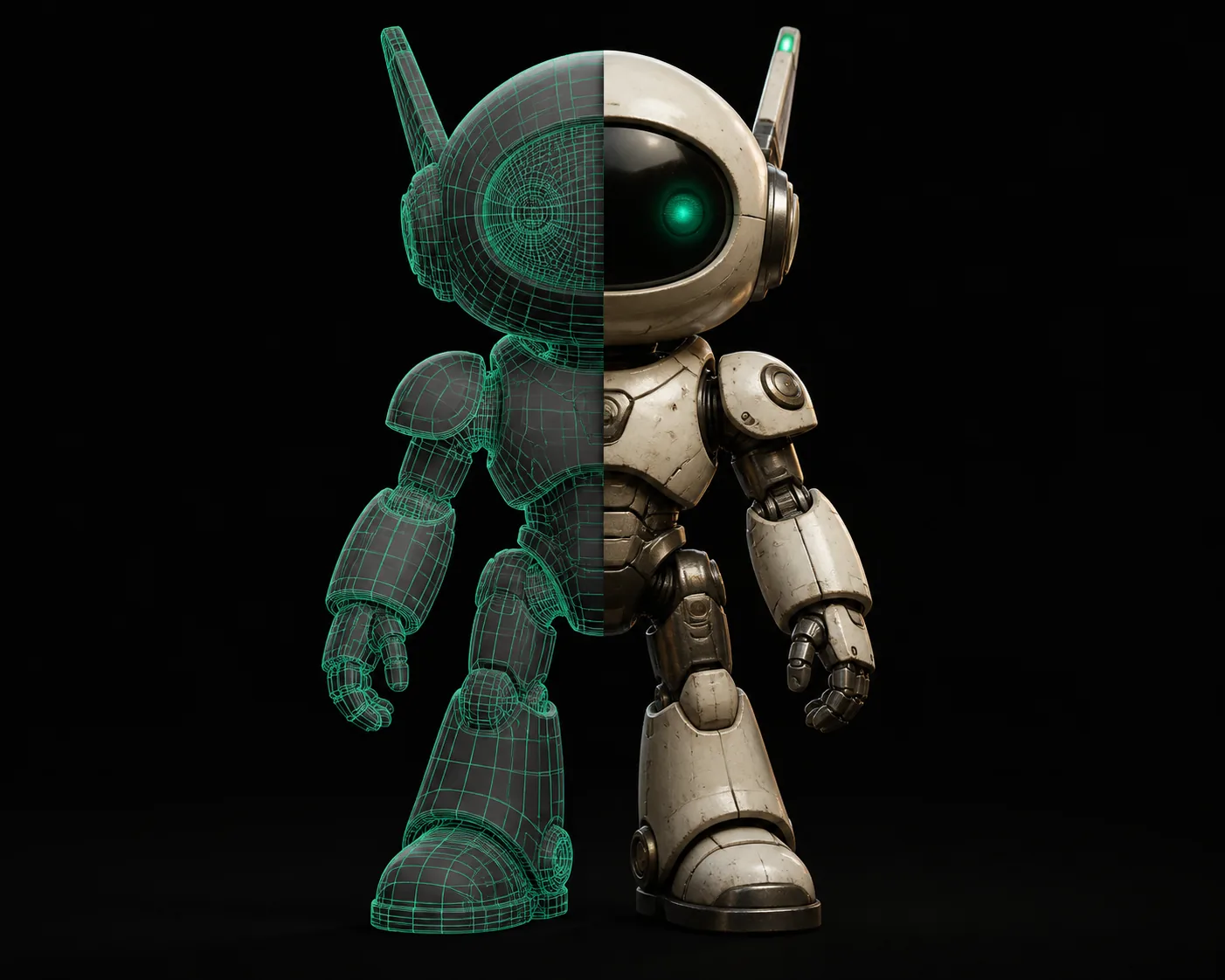
Left side stores only triangles; right side can carry transforms, materials, and UVs.
The tool block
Tripo 3D's converter reads the raw triangle soup from an STL, rebuilds it as an FBX mesh with correct winding, and keeps the file clean for Blender, Unity, and Unreal. No account, no watermarks, no upload queue.
Unity game dev
Your scanned STL prop finally has UV-friendly FBX. Push it to WebGL with fbx to glb — same mesh, smaller download.
Print farm operator
Before the STL exists, you sometimes get PNG heightmaps. The png to stl route turns those into a printable STL you can then convert.
Tabletop miniature maker
Most slicers still want STL, so a 3MF from a friend can be recovered first: 3mf to stl brings back a clean print mesh before you convert it to FBX for previews.
Web AR developer
Need OBJ for a legacy tool? The glb to obj route keeps material references intact while changing the container.
Archviz artist
When your source asset starts as an OBJ from a furniture catalog, obj to glb gives you a web-friendly mesh before you bring it into the FBX scene.
Product configurator builder
If you have no 3D file at all, image to glb generates a textured GLB directly from photos, skipping STL-to-FBX entirely.
Keep the mesh moving through other format pairs:
How to verify after
Open the converted FBX in Blender, Unity, or Unreal. Check that the scale matches the original STL, normals point outward, and no parts were merged. Before conversion, if your source is a 3MF, run 3mf to stl first to get a clean print mesh. The slider below estimates how long a batch of STL files takes to convert and inspect.
Variant FAQ
Honest limits of this route before the answers:
No UV recovery
STL has no UVs, so the FBX cannot inherit texture coordinates. Workaround: project UVs in Blender before painting.
No material conversion
STL carries no material slots. Workaround: assign basic materials in the target engine.
Scale ambiguity
STL stores numbers without a unit. Workaround: confirm mm vs cm in the FBX import settings.
No animation generated
FBX can hold animation, but STL is static. Workaround: keyframe movement in your DCC after conversion.
Can Blender convert STL to FBX?
Yes, Blender imports STL and exports FBX, but it can flatten scale, merge loose parts, and skip material slots. A dedicated converter keeps the mesh hierarchy intact.
Does the converted FBX keep colors and textures?
STL contains no color or UV data, so no converter can recover textures that were never in the file. The FBX has the same geometry, but materials must be assigned after conversion.
Why does my FBX look faceted after conversion?
STL stores flat triangle facets. Most FBX viewers apply smooth shading only when normals are present. After conversion, recalculate normals in Blender or your target app to get a smooth look.
What is the file-size difference between STL and FBX?
FBX stores mesh data more compactly than STL, especially with binary encoding. A dense STL scan often shrinks to 40–70 percent of its original size after conversion.