Game Asset Pipeline
AI 3D for Game Development: Generate Game-Ready Assets
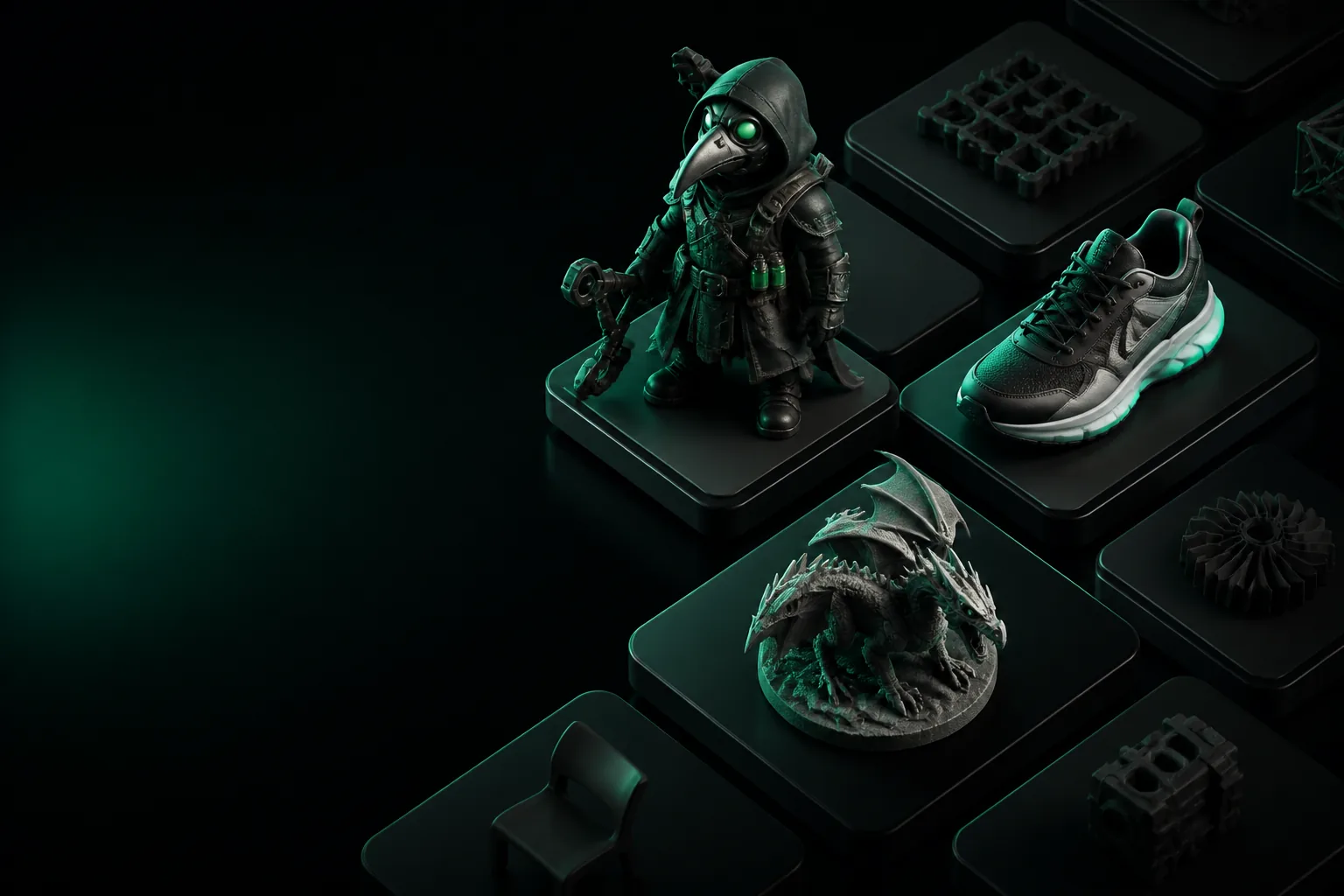
Deadlines slip when a single prop takes three days to model, texture, and optimize. Tripo 3D turns a prompt or a reference image into a working mesh in under a minute, so your team spends time on gameplay instead of gray-box placeholders.
The Bottleneck
Art Pipelines That Kill Momentum
Every studio hits the same wall: the environment artist is blocked on a door hinge, the character modeler is redoing topology for the third time, and the prototype needs 40 unique assets by Friday.
Manual Modeling Is Slow
A single game-ready prop — high poly sculpt, retopology, UVs, PBR textures — runs 8 to 40 hours depending on complexity. Prototyping with that math is impossible.
Asset Dependencies Stall Teams
When a mechanic needs a test prop, waiting days to see it in-engine kills iteration. AI 3D generation removes the dependency so design and code move together.
Draft Budgets Disappear
Greenlighting a $20k art sprint for a mechanic that might not work is a hard sell. Generated placeholder assets cost cents, not thousands, and keep options open.
Style Consistency Breaks
Multiple artists working a scene drift stylistically. A single AI pipeline with consistent prompts upstream keeps the whole asset library coherent.
Workflows That Work
Three Ways Teams Ship Faster
AI 3D generation is not a replacement for your senior modelers — it is a multiplier. These are the workflows that produce real results.
1. Blockout in 60 Seconds
Type "wooden crate, 1m cube, worn edges" and drop the result into the grey-box prototype. The mechanic gets tested today; the hero asset is commissioned once the level proves fun.
2. Texture Reference to Trim Sheet
Drop a concept painting into AI 3D generation, get a base mesh and PBR maps, then rebuild the trim sheet in Substance. The layout is solved before the artist opens a tool.
3. Set Dressing at Scale
For open worlds, generate 30 variations of "abandoned sci-fi terminal" with different seeds. Your environment artist places them, not builds them, freeing weeks for hero landmarks.
Real Output
From Prompt to In-Engine Prop
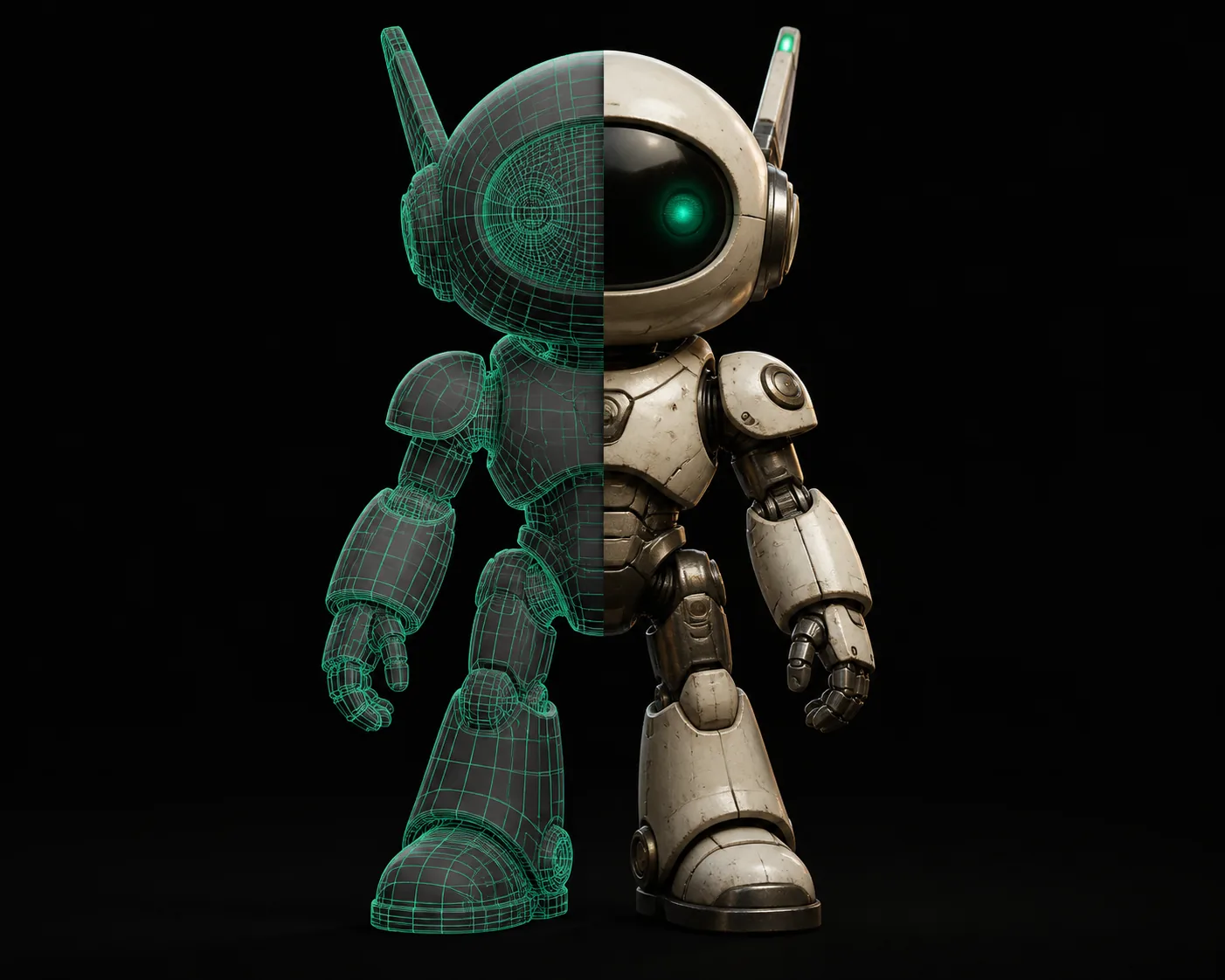
This is what an actual session looks like — not a marketing mockup. The mesh below was generated, exported to GLB, and dropped into Unity with no cleanup.
Honest Limits
Where AI 3D Generation Still Falls Short
No tool is a silver bullet. These are the constraints we are transparent about, and how teams work around them.
Animation Ready Is Not Automatic
Generated meshes have good topology for rendering and basic deformation, but a hero character that needs facial rigging or cloth simulation still requires an animator's pass.
Workaround: Use AI output as a base mesh for retopology — the silhouette is solved, the wireframe is up to you.
Texture Resolution Caps at 4K
For billboard-scale signage or close-up hero props, 4K albedo can show compression. The pipeline outputs tileable maps that hold up in most gameplay, not cinematic close-ups.
Workaround: Re-project the generated normal map in Substance Painter to recover fine detail.
PBR Consistency Is Mostly There
The metal/roughness workflow is correct in 90% of cases, but unusual surface blends — wet rust on polished chrome — can produce a metalness map that needs a tweak.
Workaround: Batch-fix the metalness in a 2-minute node setup, not a re-model.
No Custom Rig Generation
You will not get a humanoid rig, a vehicle rig, or a blend-shape setup from the generator. That is a specialized task for dedicated rigging tools.
Workaround: Auto-rig in your engine's built-in tools; the mesh is clean enough for automatic weighting.
Choose Your Path
When to Use AI 3D vs. Traditional Modeling
The right answer depends on the asset's role in your game. Here is the decision framework we recommend.
Use AI 3D Generation
- ✓ Prototype props and grey box
- ✓ Environment set dressing
- ✓ Draft concepts for client review
- ✓ Low-poly base for retopology
Use Traditional Modeling
- ✗ Hero characters with facial animation
- ✗ Custom rigs and blend shapes
- ✗ Technical art for VFX systems
- ✗ High-poly sculpts for cinematic
Use a Hybrid Pipeline
- → Generate the base mesh in Tripo
- → Retopologize for animation
- → Re-project textures for PBR
- → Ship in 3D model for Unity
The 3-Step Workflow
From Idea to In-Game Asset
A repeatable process that works for solo devs and full teams alike.
Describe or Upload
Write a prompt or drop a reference concept. The generator reads style, proportion, and material from the input.
Generate and Review
Get a textured mesh in under a minute. Review the silhouette, check the PBR maps, and regenerate if the seed misses.
Export and Integrate
Export to GLB, FBX, or OBJ. Import into Unity or Unreal, drop into the scene, and iterate on the fun — not the mesh.
Questions From Devs
AI 3D for Game Development FAQ
Answers to the questions we hear most from game teams.
Can AI-generated models be used in commercial games?
Yes. Models generated with Tripo 3D are yours to use in commercial projects, including shipped titles. There is no per-asset royalty and no credit requirement. The output is yours to modify, retopologize, and ship.
What polygon counts do the generated models have?
Default outputs land between 8K and 50K triangles depending on the source. The pipeline includes a decimation pass so you can hit lower budgets for mobile without losing the silhouette. For Unity and Unreal, the import-ready GLB handles LODs in-engine.
Do the models work in Unity and Unreal out of the box?
Yes. Export as GLB or FBX and drop into either engine. The meshes come with UVs, albedo, normal, and roughness maps. No conversion tools are needed for the standard pipelines.
How is this different from photogrammetry or 3D scanning?
Photogrammetry needs physical access to an object, a camera rig, and cleanup time. AI generation works from a prompt or a single image and produces a clean mesh in seconds. For game development, generation is faster and does not require a source asset to scan.
Can I train the model on my game's art style?
Not yet. For now, you guide the style through detailed prompts and reference images. A common trick is to generate with the same prompt template and then batch-replace textures to enforce studio consistency.
Try It on Your Next Asset
Generate a game-ready model in under a minute. No credit card, no install, no waiting on a queue.
Start Generating Free