PNG to STL: Turn a 2D Image into a 3D Mesh
A png to stl conversion is useful when your slicer or CAD tool needs a mesh. This page covers the format switch, import steps, and errors to fix before printing.
Format guide
Who needs STL? A software list
Cura, PrusaSlicer, Fusion 360, SolidWorks, Blender, and MeshLab all import STL natively. The table below shows what changes when a raster becomes a mesh.
If your destination is a game engine, use the image to glb route instead because it keeps textures.
Converter preview
The tool block
Drag in a PNG, choose heightmap or lithophane mode, and inspect the mesh before export. A clean png to stl workflow keeps the silhouette tight and the base flat.
Before: PNG
After: STL
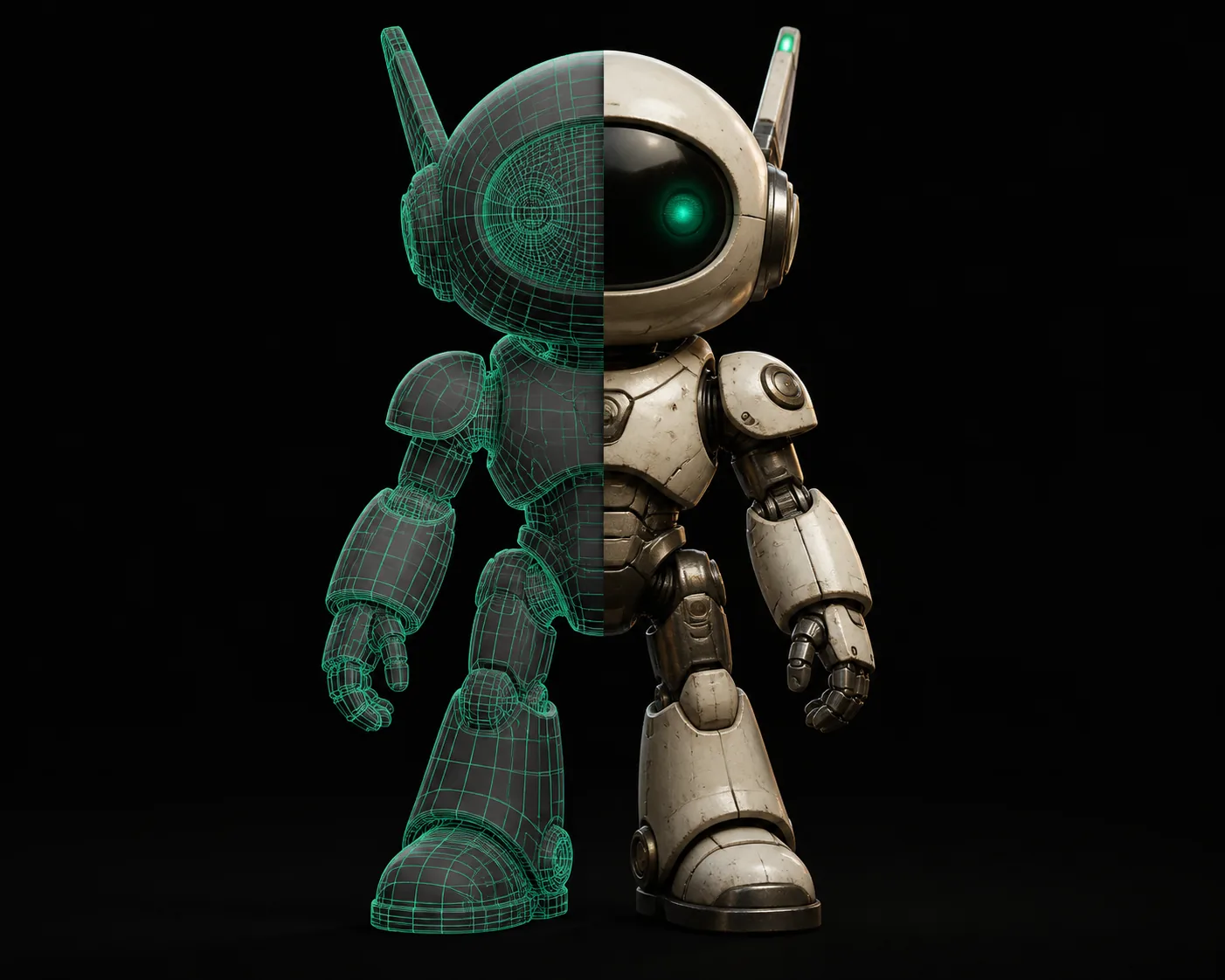
The conversion is the divider: pixels become vertices, brightness becomes height, and transparency becomes empty space.
Convert a PNG nowUse cases
Import steps
The same STL output has slightly different next steps depending on the tool you import into.
3D printing hobbyist
Turn a logo into a raised plate. Import the STL into Cura.
For sharing, 3mf to stl keeps the file smaller.
Game asset creator
Use a PNG heightmap as a base mesh, then remesh in Blender.
When your pipeline prefers FBX, stl to fbx is the next hop.
Product designer
Turn a silhouette into a prototype blank for CAD review.
If OBJ reads better, glb to obj gives you that format.
AR/VR developer
Build a simple collision mesh from a PNG boundary.
For the web, obj to glb exports a GLB viewer file.
Unity terrain builder
Convert a heightmap into terrain geometry.
Runtime scenes are lighter after fbx to glb.
Photogrammetry user
Start from a photo instead of a flat graphic.
Need textures? image to glb preserves them.
Estimator
Common import errors
Non-manifold edges, flipped normals, and missing bases cause most import failures. The slider estimates how much cleanup each batch usually needs.
A flat base on the export avoids most of that cost. For animation rigs, stl to fbx is the cleanest bridge after the mesh is fixed.
Honest limits
Variant FAQ
Before you start a png to stl conversion, check these caveats.
What PNG resolution is best for a png to stl conversion?
Use the highest resolution available, then smooth it. A 1024×1024 PNG is a practical starting point for small prints.
Why does my STL have holes?
Holes usually come from anti-aliased edges or semi-transparent pixels. Flatten the alpha channel before upload.
Do I need to remove the background first?
Yes for heightmaps and lithophanes. A clean background gives a sharper silhouette and fewer floating faces.
Can an STL keep the PNG texture?
No. STL is geometry-only. Use a textured format like GLB if material data must survive.
Color is lost
STL stores geometry only, so PNG color and UV maps disappear.
Workaround: use image to glb if you need a textured GLB.
Noisy heightmaps
High-contrast noise turns into jagged surfaces.
Workaround: threshold or blur the PNG before converting.
No real units
STL has no unit metadata, so scale is guessed by the importer.
Workaround: set the scale in the slicer or CAD tool after import.
Non-watertight edges
Thin alpha edges can produce open meshes.
Workaround: keep a solid background and enable watertight repair.