Text to 3D Model
Text to 3D Model: From Words to a 3D Model, Without One Asset
Type what you want to build. Get a textured, ready-to-use 3D model in under a minute. No modeling software, no sculpting, no UV unwrapping — just your prompt.
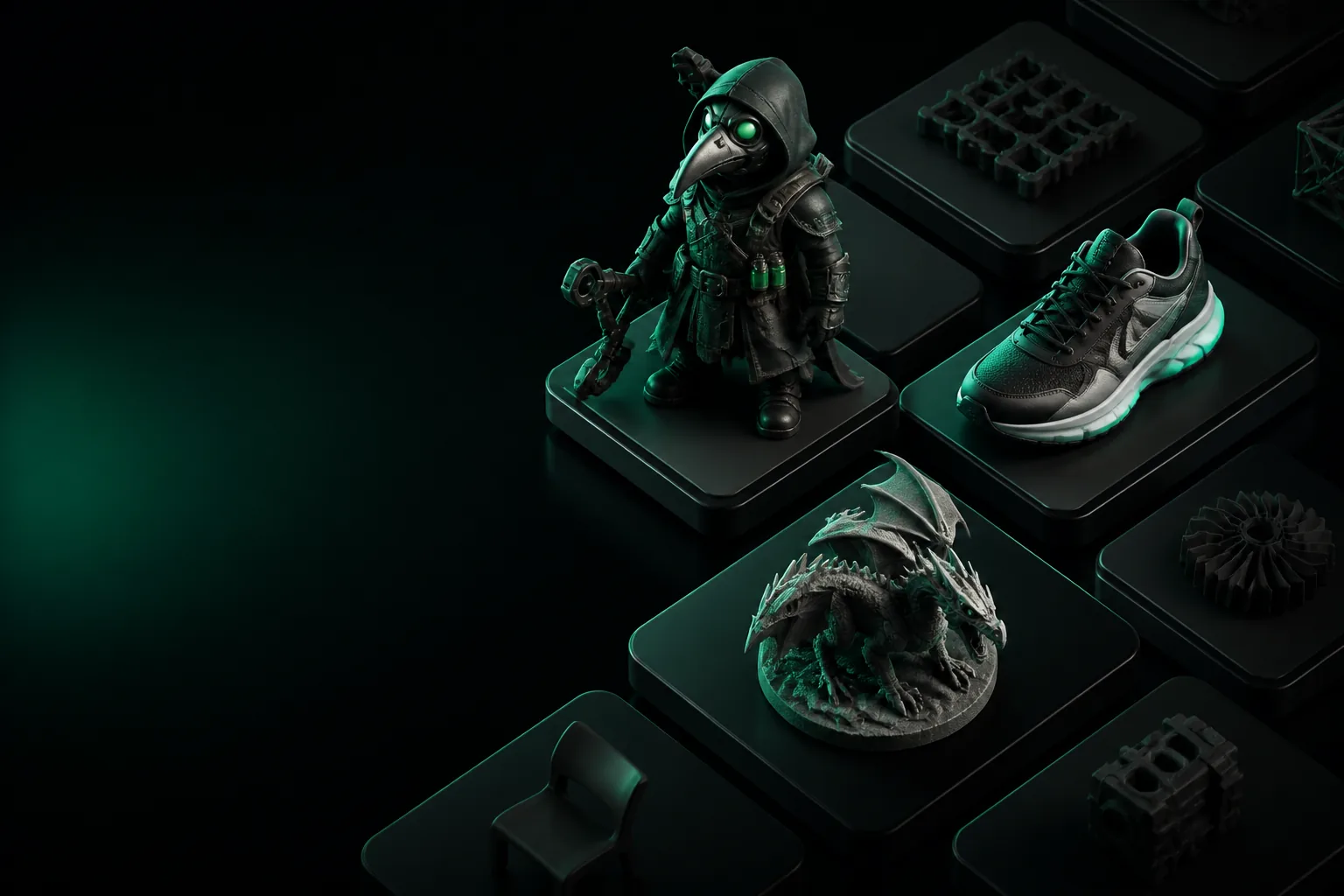
The Old Way
How it used to be done
Before generative AI, a 3D model was a craft project measured in hours, not minutes.
The Manual Grind
Artists built meshes vertex by vertex in Blender or Maya. A production-ready chair could take four to eight hours. An entire scene, weeks.
Asset Libraries Came First
To skip the grind, teams bought asset packs. You got a pirate ship for $30, but the pirate holding the telescope was missing, and nothing ever matched.
Photogrammetry Was Strictly Geeky
Scanning a real object required a calibrated rig, 400 overlapping photos, and software that had a learning curve steep enough to need a helmet.
Today
How it is done today
You describe the object. The model appears. That sounds like magic, but here is the simple pipeline.
Write the prompt
Describe your model with texture, style, and shape details. "A worn leather armchair, brown, tufted, studio lighting" beats "a chair."
The model generates
Tripo 3D's neural network interprets your words and constructs the geometry, UV maps, and PBR textures inside a single pass. This is the part that takes 60 seconds.
Download and use
Export a GLB, OBJ, or FBX. Drop it straight into Blender, Unity, or your web viewer. It has an optimized quad mesh and a full texture set.
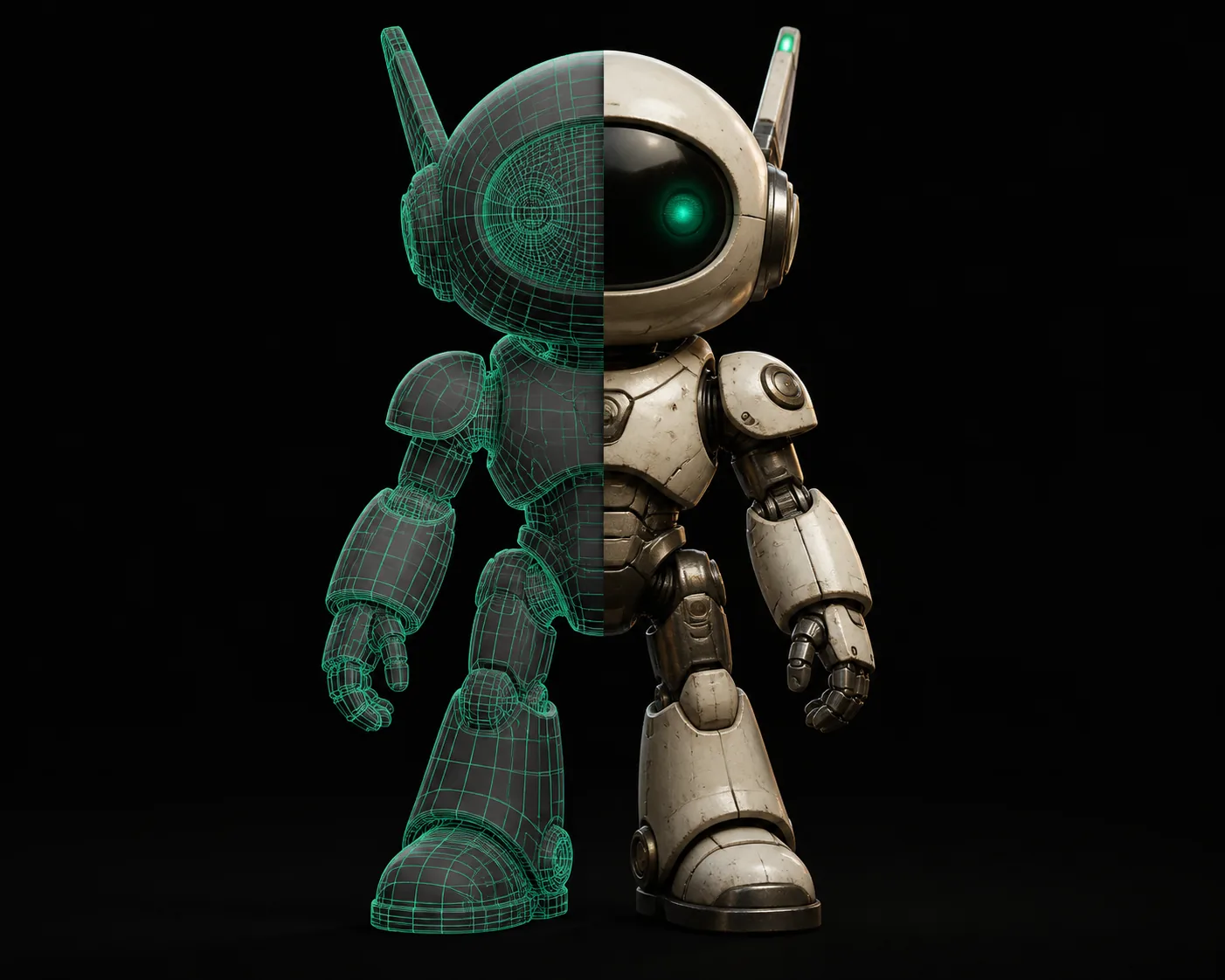
The Shift
What changed
The bottleneck moved from "can I build it?" to "can I describe it?"
Who Switched
Who switched to text-to-3D
The people who moved over are the ones who needed assets, not careers in modeling.
Indie game developers
Rapidly blocking out a hallway, a weapon, or a weird alien creature lets them test a mechanic before commissioning an artist.
Product designers
Mocking up a concept for a client review doesn't require a modeler anymore. A clear description gives a 3D preview in a minute.
E-commerce teams
Creating consistent lifestyle renders of products without a physical photo shoot. Even the props are AI-generated.
Not sure what the fundamental difference is between this workflow and the older generation tools? Read our breakdown of what is tripo3d and how it fits into the current pipeline.
When to Use It
When to choose text-to-3D over the alternatives
It is not the only way to make a model. Use it when it is the right way.
You need a concept
- You are exploring shapes and ideas.
- You need ten variations, not one finished piece.
- You want to show a client a direction.
You need a specific object
- It is common and has a name.
- It only needs to look right, not physically exact.
- GLB or OBJ exports are fine for your app.
You need it today
- The deadline is closer than the modeling queue.
- You want to do it yourself, right now.
- You are okay with AI-grade topology.
Honest Limits
What text-to-3D can not do
Know the boundaries before you rely on it. Every tool has them; pretending otherwise wastes your time.
Exact CAD tolerance
If you need a gear that meshes with a measured part, this isn't the tool. The geometry is AI-generated, not engineered. Use CAD software, or take the STL as a starting sketch and remodel it.
Rigging and animation
You get a static mesh. There is no skeleton, no blend shapes, and no motion. Export it and rig it in Blender or Mixamo if you need to animate it.
Brand-locked assets
An accurate 1967 Shelby GT500 or a specific cartoon mascot isn't coming out of a prompt. It will make something that looks familiar but wrong. You need manual modeling or a licensed scan.
Ultra-low-poly targets
For a mobile game that needs a 500-triangle character, AI models are usually denser than that. You will likely need to decimate or retopologize the output for strict budgets.
Evolution
How text-to-3D got here
A compressed history of a technology that went from university paper to production tool in a few years.
Side by Side
An example: generating from text versus starting from a reference image
The prompt-driven workflow produces a different result than a pure image-to-3D conversion, and both are useful at different stages.
Most effective pipelines use the text prompt to set direction, then an image pass to lock the look.
FAQ
Text to 3D model: your questions answered
How accurate is a text-to-3D model?
It is excellent for objects with a clear, common shape. A fork, a fire hydrant, a viking helmet — very good. For exact physics, mechanical tolerances, or an exact real-world product, no. It is a visual model, not an engineered one.
What file formats do I get from a text prompt?
You export GLB, OBJ, and FBX. GLB is the preferred format for modern engines and web viewers because it bundles geometry, UVs, and PBR textures into a single, portable file.
Can I use a generated model commercially?
Yes. Models generated through Tripo 3D do not carry IP restrictions. The tool is designed for commercial pipelines, and the output is yours to license and sell. Check the current terms for any future changes.
Why does my text-generated model look different every time?
Generation is stochastic by default. If you need a consistent base, use the same seed value or regenerate a few times and pick the one that fits. You can also lock the design by taking your chosen output and using it as a source image for the next pass.
What happens if the prompt is not descriptive enough?
You get a generic object. The model interprets your words literally; adding style, materials, and context in your prompt is the difference between a blob and a production-ready asset. It rewards specificity.