Trust & Safety Review
Is Tripo3d Safe Enough for Your Workflow?
Tripo3d is a browser-based AI 3D model generator. Here's a grounded look at what safety questions actually matter, what the platform does and doesn't guarantee, and how to handle the real boundary conditions — so you can decide whether it fits your project.
Honest Caveats
What Tripo3d CanNOT Do
Before you trust it with your work, here's the transparent side.
No Watertight Legal Guarantees
Tripo3d's terms are standard for a SaaS tool. They don't offer bespoke legal indemnification. If your use case is commercial and high-stakes, you still need your own review.
No Offline Mode
All generation happens on Tripo3d's servers. If you work on sensitive assets that can't leave your network, this tool isn't built for that gap.
No Guarantee of Unique Outputs
Two users can prompt the same text and get similar geometry. For exclusive, marketable assets, that's a real limitation to plan around.
The Facts
What Tripo3d Actually Is
A clear-eyed definition of the service.
Boundary Conditions
When You Should Be More Careful
The checks that make the difference.
Scrutinize Prompts
Anything you type or upload is data sent to Tripo3d. Avoid confidential schematics, unreleased product designs, or anything under NDA unless you're comfortable with that.
Check the License
For commercial distribution, review their current terms of service. The "model" you generate may have limitations on resale or use in certain products.
Verify Output Format
If your pipeline needs a specific file type (GLB, FBX, STL), confirm the export works correctly. A corrupted export is a silent failure.
Plan for Resolution
AI-generated geometry has a resolution ceiling. For close-up hero shots, you may need to re-topologize or sculpt detail manually.
Know the Limits
When NOT to Use Tripo3d
Recognizing the mismatch is part of staying safe.
-
Regulated Industry Asset If you're generating a model for medical device approval or aviation parts, an AI tool isn't the right basis. You need certified engineering processes and traceable geometry.
-
Highly Confidential IP When the 3D model itself is your core trade secret — a unique mechanical part or a signature character design you haven't revealed — keep it off cloud AI tools entirely.
-
Precision-Perfect Dimensions For 3D printing parts that must fit with 0.1mm tolerance, AI generation is a starting point, not the final deliverable. You'll need parametric CAD for that stage.
For more targeted help, see our guides on what tripo3d is, the broader ai 3d model generator landscape, or our comparison of tripo3d vs meshy to see how it stacks up.
Visual Proof
The Difference Clarity Makes
A typical safety concern is the "garbage in, garbage out" principle.
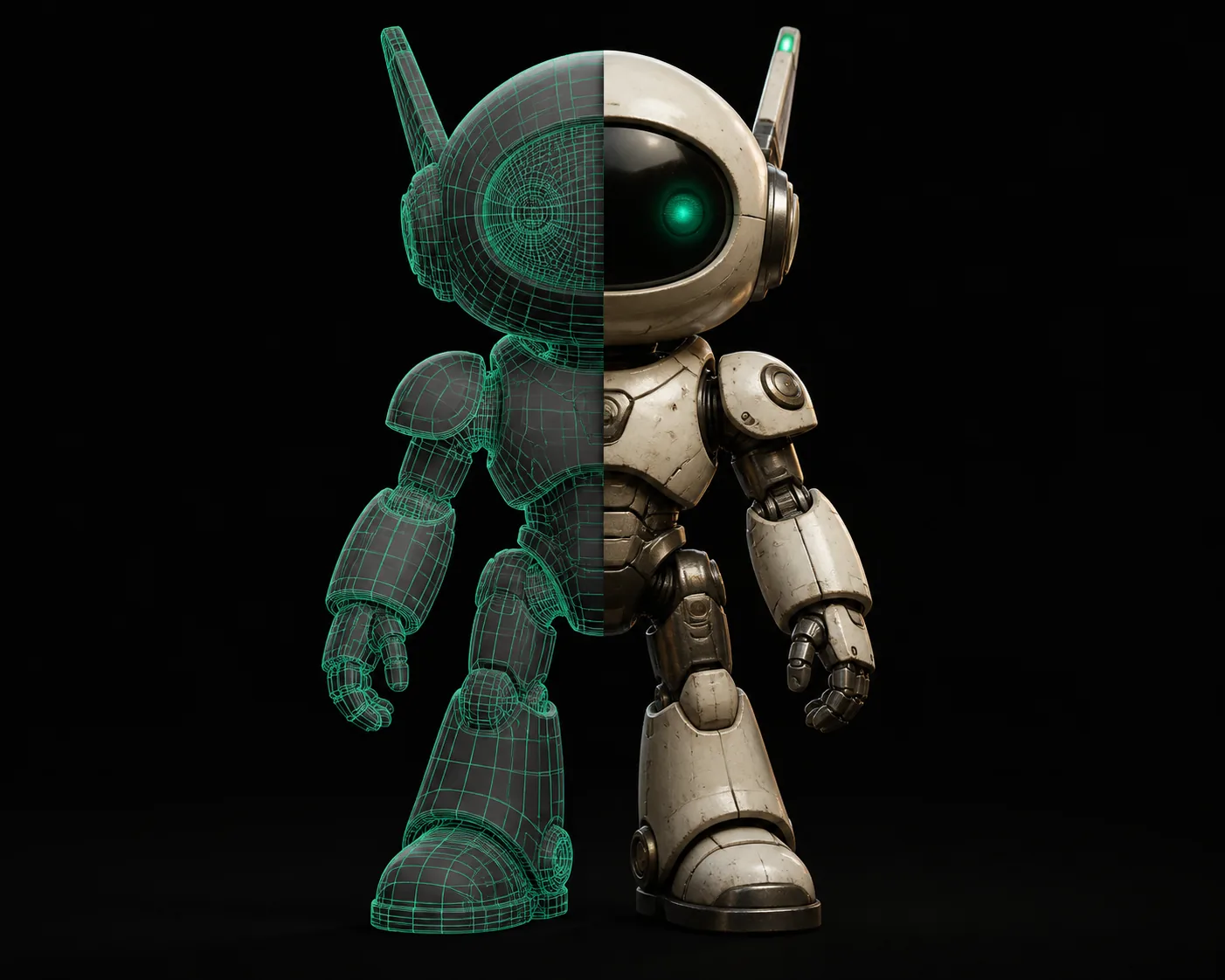
A clear prompt with specific geometry instructions yields a cleaner model, which is safer to use in your pipeline without unexpected failures.
Evolution
How Cloud AI 3D Tools Got Here
Understanding the context builds trust.
Early models like DreamFusion and Point-E proved the concept but were slow and low-resolution. They stayed in research labs.
Companies like Tripo3d and Meshy launched browser-based tools, making the tech accessible to non-researchers. This is when "safety" became a user question.
Optimized models reduced generation from minutes to seconds on mid-range hardware, expanding the user base and the range of applications.
Tools began outputting physically-based rendering (PBR) materials and game-ready topology, moving beyond just "a mesh" to "an asset."
Today's tools offer multiple formats, moderate resolution, and ease of use. The risks are known, the terms are standard, and the power is real.
Quick-Start
How to Test Tripo3d Safely
A simple workflow to evaluate it without risk.
Use a Test Prompt
Create a generic object like "a wooden chair" or "a stone archway." Don't use your proprietary design files.
Inspect the Output
Download the GLB and check the wireframe in a viewer. Look for clean topology, no inverted normals, and reasonable polygon count.
Run It Through Your Pipeline
Import into your engine or slicer. See if it loads, if the materials behave, and if the scale is correct. That's your real test.
FAQ
Your Safety Questions, Answered
Based on the most common concerns about tripo3d and its use.
Does tripo3d steal my models or prompts?
No, not in the sense of stealing for direct resale. Per its terms, Tripo3d processes your data to provide the service. You retain ownership of the models you create. Prompts and generated models are not sold to competitors.
Is tripo3d a scam or a legitimate tool?
It is a legitimate, functioning AI 3D model generator. It's used by thousands of developers and artists. The main risks are data-sharing (standard for cloud tools) and the tool's own quality limitations, not fraud.
Can I use tripo3d models commercially without worry?
Generally yes, but you should read the specific current terms. Most SaaS tools grant you commercial rights to your generated output. There is no known history of Tripo3d restricting commercial use for its standard generation feature.
Does tripo3d require my credit card to test it?
No. You can generate a few models on the free tier before you add any payment details. This makes a safe low-risk evaluation easy. Use that to test if it meets your specific needs.
Is my upload or final model kept private?
Your data is handled per their privacy policy. It's not public by default. However, it's not end-to-end encrypted. For non-sensitive work, this is a standard, acceptable risk for a cloud tool.
Test It With Your Own Workflow
Run a simple test. See if the output fits. Decide for yourself.
Start Generating Free