Find the best AI 3D model generator for your specific workflow
Before you start testing tools, get clear about what you're generating for — the best AI 3D model generator for a game asset differs completely from one for a 3D print or a product view. Assess your input formats, output fidelity, and target platform before comparing options.
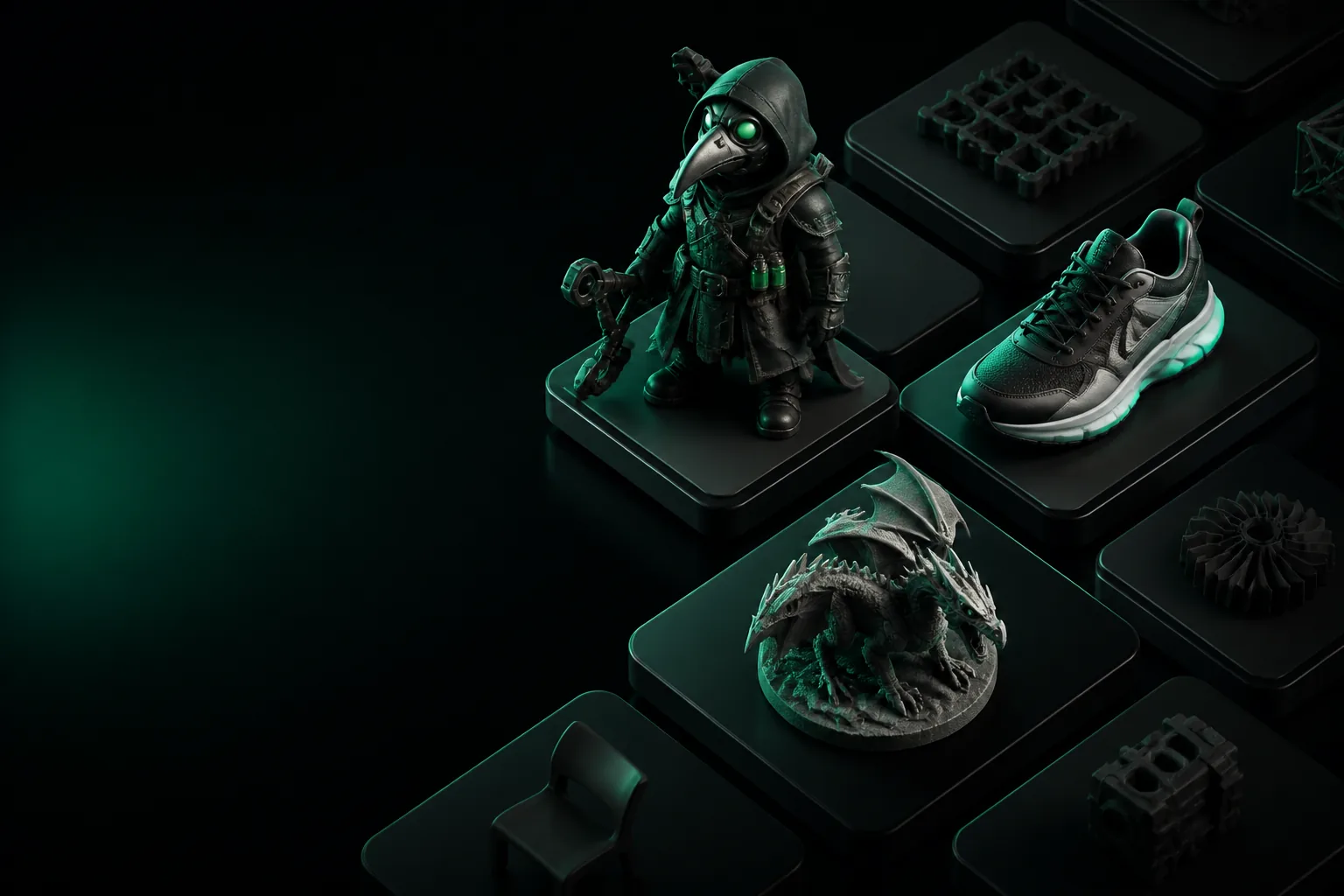
One full run-through
How a full run-through works in practice
A complete workflow from a single image, from upload to finished model ready for use in a game, an app, or a print.
Pick your input
Start with a single photo, a text prompt, or an existing model. Image input yields the highest-fidelity results for most subjects.
Set the detail level
Choose between low-poly game-ready output, medium for e-commerce views, or high-poly for renders and close-ups. More detail means longer processing.
Review the mesh
Check topology, UVs, and geometry. A good generator lets you re-mesh quads for game engines or keep the original photogrammetry mesh for film work.
Export & iterate
Pull the file in GLB, FBX, or OBJ. Most mistakes surface in your own engine, so plan for at least one revision pass after the first export.
Options table
Six AI 3D model generators compared by real output
We generated identical test objects in each tool and compared the actual mesh quality — not just marketing claims.
What fails
Where AI 3D model generators break down
Every tool has failure modes — knowing what they are saves you hours on a dead-end test.
Backfaces and holes
Most generators produce non-manifold geometry. Normals flip, faces get inverted, and 3D printers reject the file outright. Fixing this costs more time than the generation did.
UVs that break your pipeline
Unwrap only survives if the generator aligns seams to object edges. For anything with a handle or a crease, UVs often land randomly across shells — useless for texturing.
Material baking lies
The flat PBR maps shown in the viewport are nice, but generating proper AO and roughness channels that match your engine takes extra passes that a lot of tools skip.
Small detail loss
Text engraving, thin geometry, and anything under 2mm in a small object gets averaged into the base mesh. Regenerate from a tighter crop, not a wider one.
Retopology greed
Quads are sold as a feature, but most converters just join triangles into quads without matching curvature. You end up re-baking normal maps that weren't even close.
Scale confusion
A chair generated at 100 units vs. 100 centimetres still exports as the same file. The unit mismatch silently breaks physics and lighting in Unity or Unreal.
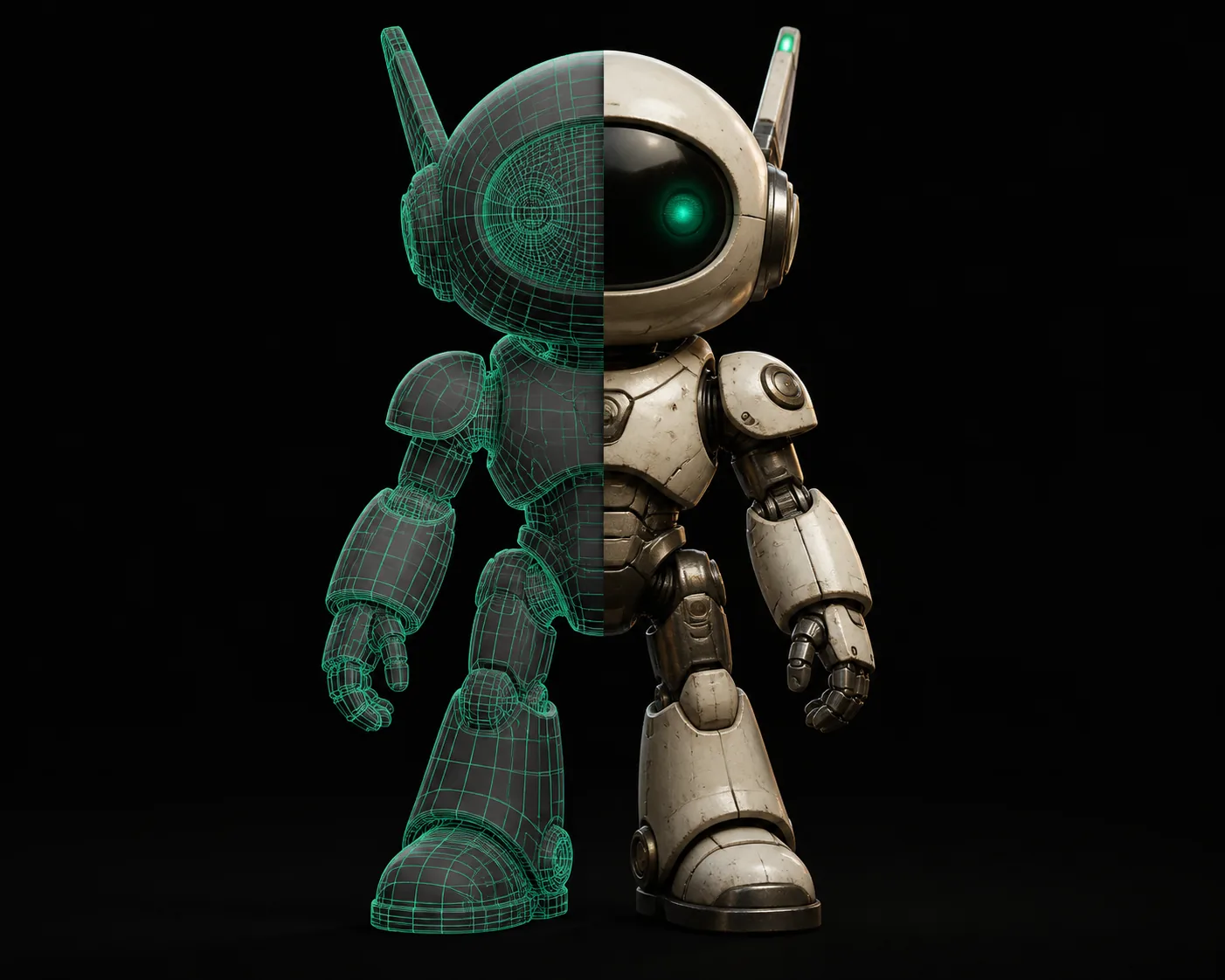
When to choose which
Decision split for picking your generator
Match the tool to the job. The best AI 3D model generator for one brief can be the wrong one for the next.
Game-ready assets first
If Unity, Unreal, or a stylised game style is the target, pick a tool that outputs quads and PBR materials from the start. Retopology from a blob costs you a day.
Pick: Tripo 3D when you need clean topology out of the box.
Photorealism for product shots
E-commerce and marketing want detailed surfaces, not clean meshes. Generators with high-poly raw output and tighter texture baking work better than any game-oriented tool.
Pick: a tool that preserves your reference photo's fine surface detail.
Rapid concept iteration
When you are exploring 20 ideas before lunch, speed matters more than topology. The fastest options with low-poly fallback let you kill weak concepts without a cleanup pass.
Pick: the shortest generation time of the tools you have access to.
A short history
How AI 3D model generators went from hobby to production
The timeline of the format shows why quality and topology have improved so fast in the current gen.
First text-to-shape demos
CLIP-guided voxel or point-cloud generation proved the concept but output abstract blobs that no game engine could import directly.
Neural implicit surfaces
Neural radiance fields started capturing full surfaces from multi-view images, bringing geometry closer to usable, but still heavy to convert.
Fast splatting and mesh export
Gaussian splatting and faster mesh extraction lowered generation time from minutes to seconds, making it viable for real-time previews.
PBR materials arrive
Generators started baking albedo, normal, and roughness maps that matched the mesh instead of the old flat texture pass.
Retopology becomes standard
Quad-dominant output and clean UVs now ship by default — the best AI 3D model generator is judged on how little cleanup remains.
Widespread production adoption
From indie devs to furniture retailers, AI 3D model generators now beat manual modelling on speed for most asset classes.
Cost and time calculator
Estimate your savings with AI generation
Slide the number of assets you need per month and see the real impact on your pipeline.
Based on an average of 10 work hours per manually built asset vs. 1 hour with AI generation.
Ready to test the best AI 3D model generator?
Generate your first model today and see the difference for yourself.
Start freeFAQ
What is the best AI 3D model generator for game assets?
For game assets, tools that output quad topology with PBR materials as a default are the safest bet. Tripo 3D fits this well, since its output is already retopologised and UV-mapped before you export — which shaves hours off the pipeline. Most generators built for game studios include a low-poly fallback and a clean mesh that immediately lands in Unity or Unreal.
Can AI 3D model generators create print-ready STL files?
Yes, but you must check for non-manifold edges and flipped normals before slicing. Many generators produce geometry that prints once you run a repair pass, while others refuse to export solid shells. Look for a generator that outputs watertight STLs natively, and always test with a small print before committing to a large batch.
How long does it take to generate a 3D model with AI?
Most current tools take between 1 and 5 minutes per asset depending on the detail level and the input type. Image-based generation with standard detail usually lands under 3 minutes, while text-only or high-poly outputs can take up to 10 minutes. Queue-based generators let you run several jobs at once, which is how power users keep throughput high.
Is the best AI 3D model generator free to use?
Every major tool has a free tier with daily or weekly credits. The best AI 3D model generator for you depends on your volume — free tiers are enough for testing and small projects, while production use usually needs a subscription. Look for a free tier that does not add a watermark and gives you textured exports, not just a preview.