Convert FBX to GLB without rebuilding your scene
An FBX to GLB conversion sounds like a simple export, but the two container formats are not interchangeable. FBX is an Autodesk interchange format built for DCC pipelines. GLB is a binary glTF payload designed for browsers, engines, and AR viewers. When the converter does its job, the output stays a single file with packed textures and clean triangulation. When it does not, you inherit broken materials, baked transforms, and missing animation.
FBX and GLB: structural difference table
The conversion is not a one-to-one byte copy. It is a translation between two different container rules.
What conversion loses when the exporter is lazy
A naive converter only rewrites the header. A reliable one resolves every external reference before it packs the GLB.
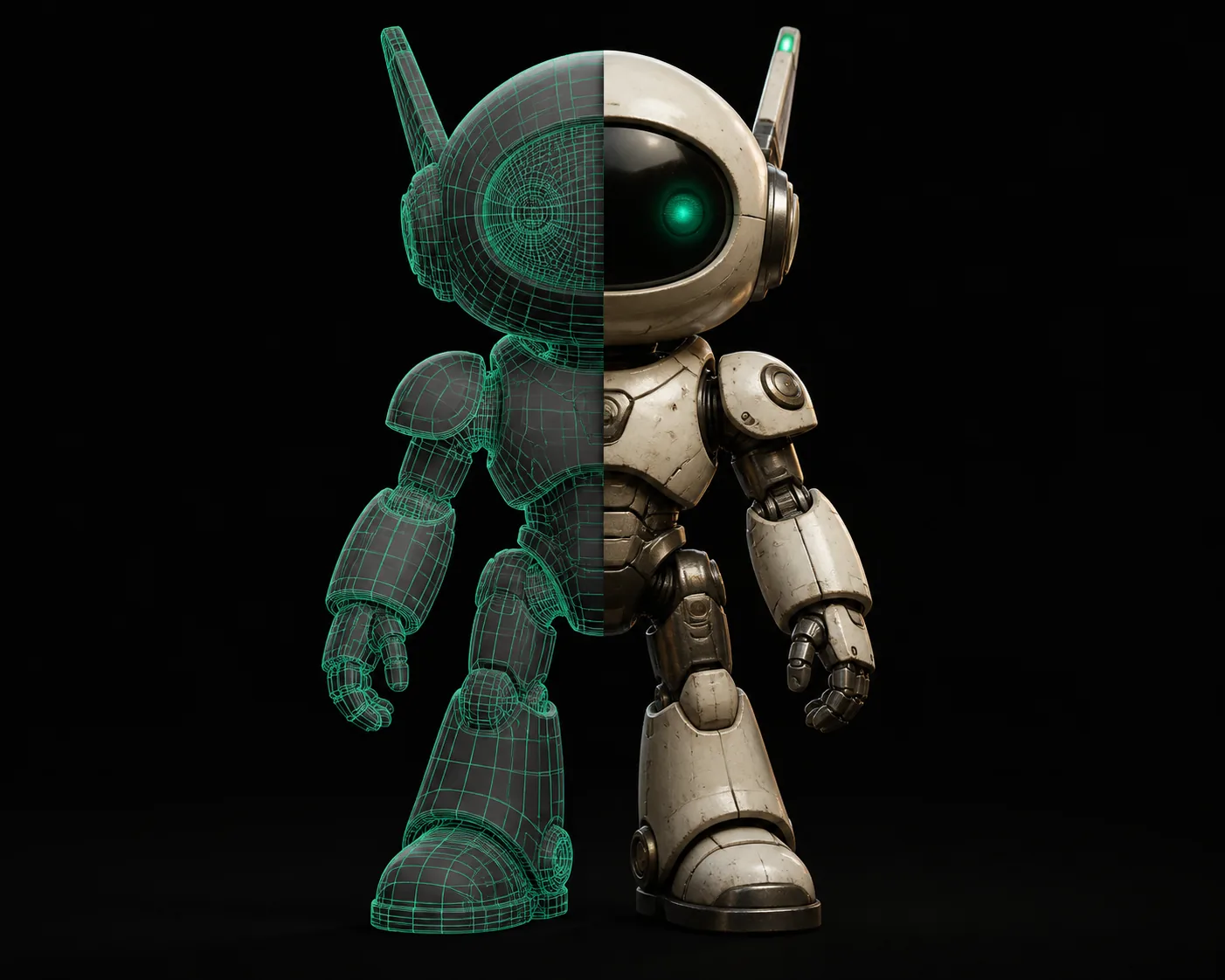
The divider matters: the left file points outside itself for every texture, while the right file has no dependencies. If the source is already too tangled for a direct pass, an obj to glb route often skips the FBX-specific cleanup entirely.
Who benefits
Game developer
Scenario: the character rig arrives as FBX, but the WebGL build needs a single binary asset. Outcome: GLB keeps the skinned mesh, animation, and textures in one payload.
Need the reverse later? glb to obj returns an editable mesh without the binary wrapper.E-commerce producer
Scenario: the vendor sends an Autodesk FBX with PBR materials, while the storefront accepts GLB only. Outcome: one compact file is ready for a 3D product viewer.
If you only ever receive OBJ instead, obj to glb follows the same packing rules without the FBX header.AR/VR installer
Scenario: a CAD export has hundreds of external texture references and AR viewers choke on missing paths. Outcome: a self-contained GLB loads on any device.
Starting from a concept image? image to glb generates geometry before you ever need FBX.Print engineer
Scenario: a mesh with N-gons exports from CAD as FBX, but the review tool expects closed, triangulated surfaces. Outcome: a validated GLB keeps the visual intact.
For print-first parts, stl to fbx adds the hierarchy that a later FBX-to-GLB pass can read.FBX to GLB converter: estimate the output
Drag the source size to see what the conversion does to file size and delivery time. Tripo 3D applies the same triangulation and packing rules to every upload.
Related conversions
glb to obj
Use this when the web review ends and the model needs to go back into a DCC as editable geometry.
obj to glb
Use this when the source is a simple triangulated OBJ and you only need the binary wrapper.
stl to fbx
Use this when a print mesh needs a hierarchy before it can be animated or converted onward.
image to glb
Use this when there is no 3D source yet and the project starts from a single image.
png to stl
Use this when a heightmap or depth image should become printable geometry instead.
3mf to stl
Use this when a slicer export needs to be repaired in a more universal STL workflow.
How to verify output after conversion
These checks catch the failure modes that show up only after you unpack the GLB.
External textures left behind
If the GLB loads gray, the converter never embedded the maps. Re-export with a texture packer or keep the original FBX folder structure intact during conversion.
Animation constraints flattened
Inverse-kinematic handles bake into static poses when the exporter skips constraints. Check one looped clip in an engine before trusting the whole rig.
Units drift to meters
GLB assumes meters. A scene authored in centimeters can shrink 100×. Compare the bounding box against the original before the file goes to print.
Tangent normals mismatch
Some renderers compute tangents differently. If shiny surfaces flicker, re-import with MikkTSpace-compatible tangent generation.
Conversion questions that come up most
People ask about the same edge cases: textures, animation, and what goes wrong in the first export.
Is the conversion lossless?
Not byte-for-byte. Geometry is triangulated and animation channels are rewritten for glTF, so expect a structural change even when the visual result is identical.
Does the output keep skeleton animation?
Skinned clips usually survive when the FBX contains a single skeleton and standard bind poses. Custom constraints and morph targets need to be baked before conversion.
Why is the GLB file smaller than the source?
FBX stores legacy metadata and often references uncompressed texture files externally. GLB indexes binary chunks compactly and can embed the same textures without duplicating headers.
Can I convert without installing Blender?
Yes. A standalone converter handles the packing, triangulation, and glTF validation in one step. You only need a DCC when the source has broken references.
Should I upload the texture folder too?
No. The GLB should contain every texture inside the file. If the tool asks for texture paths, keep the original FBX folder structure intact during conversion. Need the opposite direction after export? glb to obj strips the binary wrapper for a DCC edit.