Free AI Image-to-3D
3D Model from Image Free: Turn a Photo into a 3D Asset
Generate a textured, game-ready 3D model from a single JPEG or PNG in under a minute. No modeling experience. No payment required. Just upload and download your GLB, OBJ, or STL.
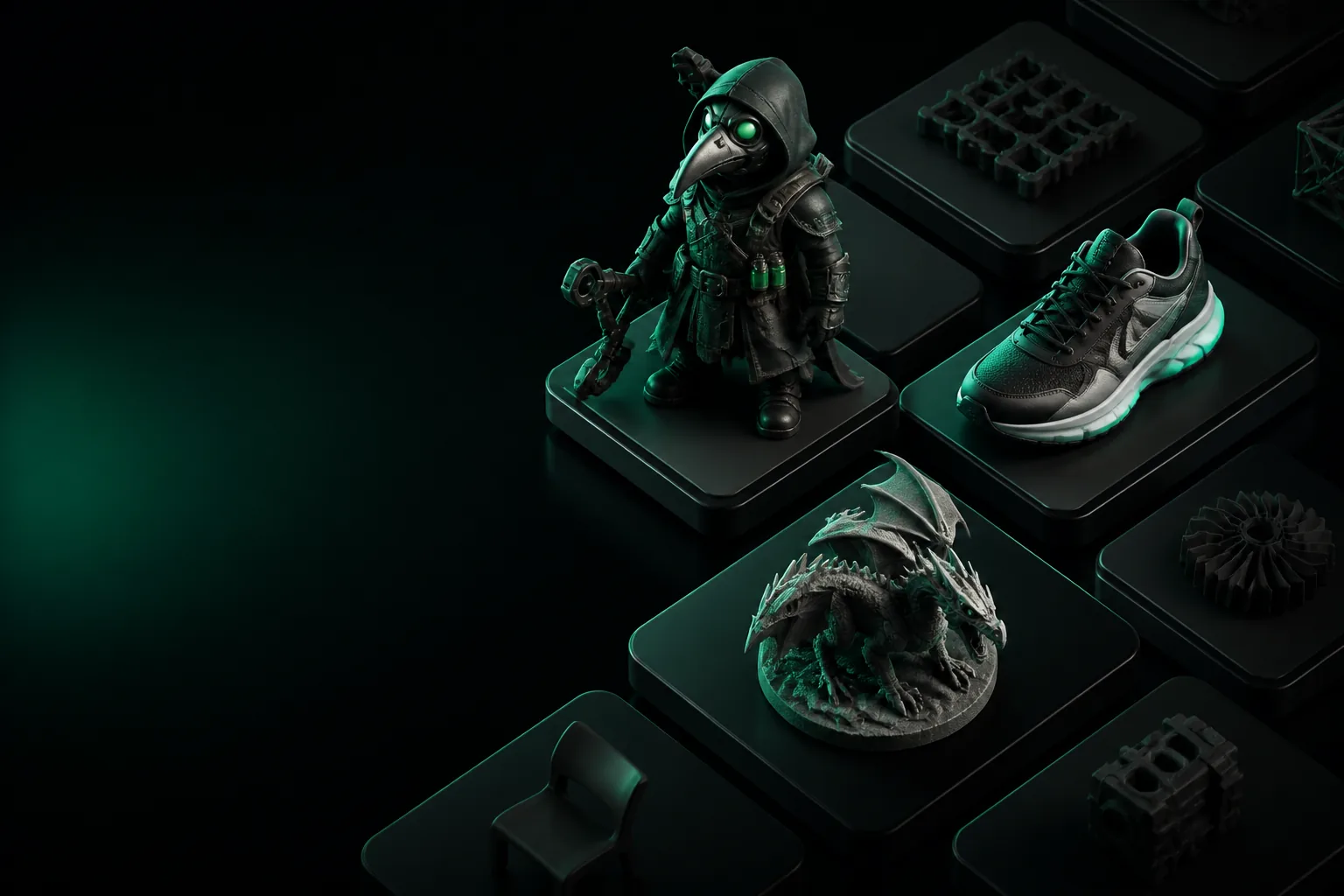
Here's what you need to get started
Most image-to-3D tools fail because of bad input. This checklist is all you need to make a clean model on the first try.
One clear photo
The subject should fill most of the frame, be in focus, and be free of heavy shadows.
Good contrast
Avoid cluttered backgrounds. The AI works best when the object is separated from the background.
360° coverage (optional)
Multiple angles improve the side and back geometry. But a single front view is enough for a base asset.
Compare: DIY vs. Tripo
Slider for object complexity
What a photo can't capture
Honest notes on blind spots and how to handle them.
Occluded geometry
The back of an object isn't visible in one photo. AI inference fills the gap, but fine details may be guessed.
→ Use a second photo from 90° off.
Texture stretching
Areas seen at a shallow angle can appear blurred. Works best for materials with consistent grain.
→ Retouch the texture map in an editor.
Transparent/reflective objects
Glass, water, and shiny metal confuse the depth estimator. Output often looks like a blob.
→ Spray-matte or use a non-reflective material.
Complex internal structures
An engine block, a chair joint — anything with moving parts won't be modeled. You get single mesh.
→ Split the object into parts mentally and generate each.
Tripo vs manual modeling
Turn an image into a 3D model in 3 steps
Upload your image
Drag a JP/E/PNG into the tool. A front-facing, well-lit photo works best.
Auto-generate
Tripo traces the silhouette, estimates depth, and builds a textured mesh in ~30 seconds.
Download GLB
Pick your format and download. Import into Unity, Blender, or any CAD suite.
3D model from image: your questions, answered
What image format works best?
PNG or JPG. Avoid HEIC unless it's resized. A 1024x1024 square crop produces the most reliable result.
Can I get an STL file for 3D printing?
Yes. After generation, export to STL. The mesh is watertight enough for most slicers.
Is it really free?
You get a generous batch of free credits on signup, enough to generate roughly 33 models. No watermark or hidden cost.
Do I retain the rights to my 3D model?
Absolutely. Your generated assets belong to you and can be used in commercial projects.
How long does processing take?
Typically 30 to 45 seconds per image. During peak times it may take up to 2 minutes.