Tool comparison
Tripo vs Hunyuan: a practical comparison for 3D artists
We ran both generators through the same three jobs: a hard-surface prop, an organic character, and a printable miniature. The Tripo vs Hunyuan decision comes down to how much cleanup you want to do afterward, and the answer changes by project.
Scenario tests
Three real scenarios, one pick each
We did not average the two tools into one score, because a model that wins for a game jam can still fail for a print run.
Riggable game asset
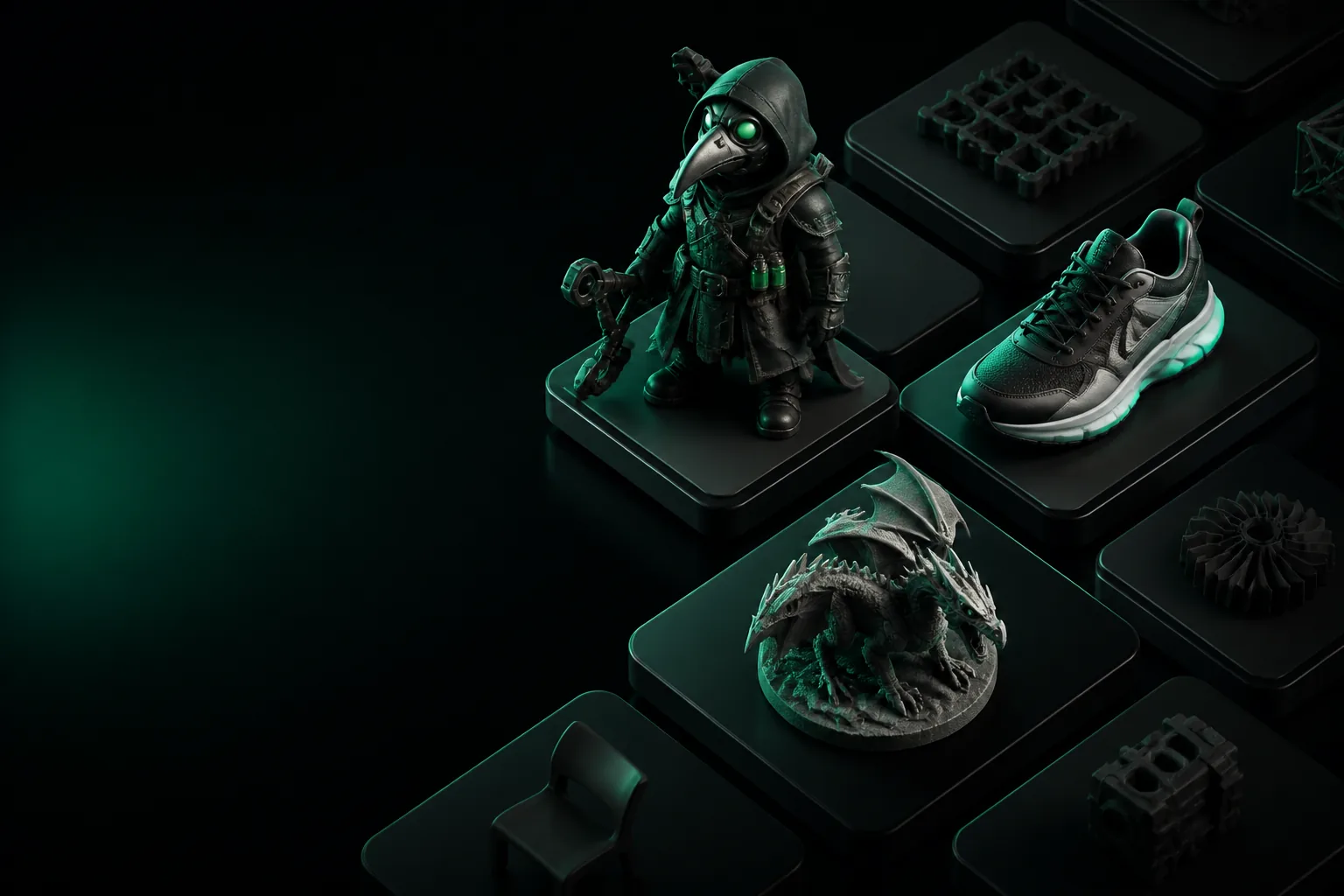
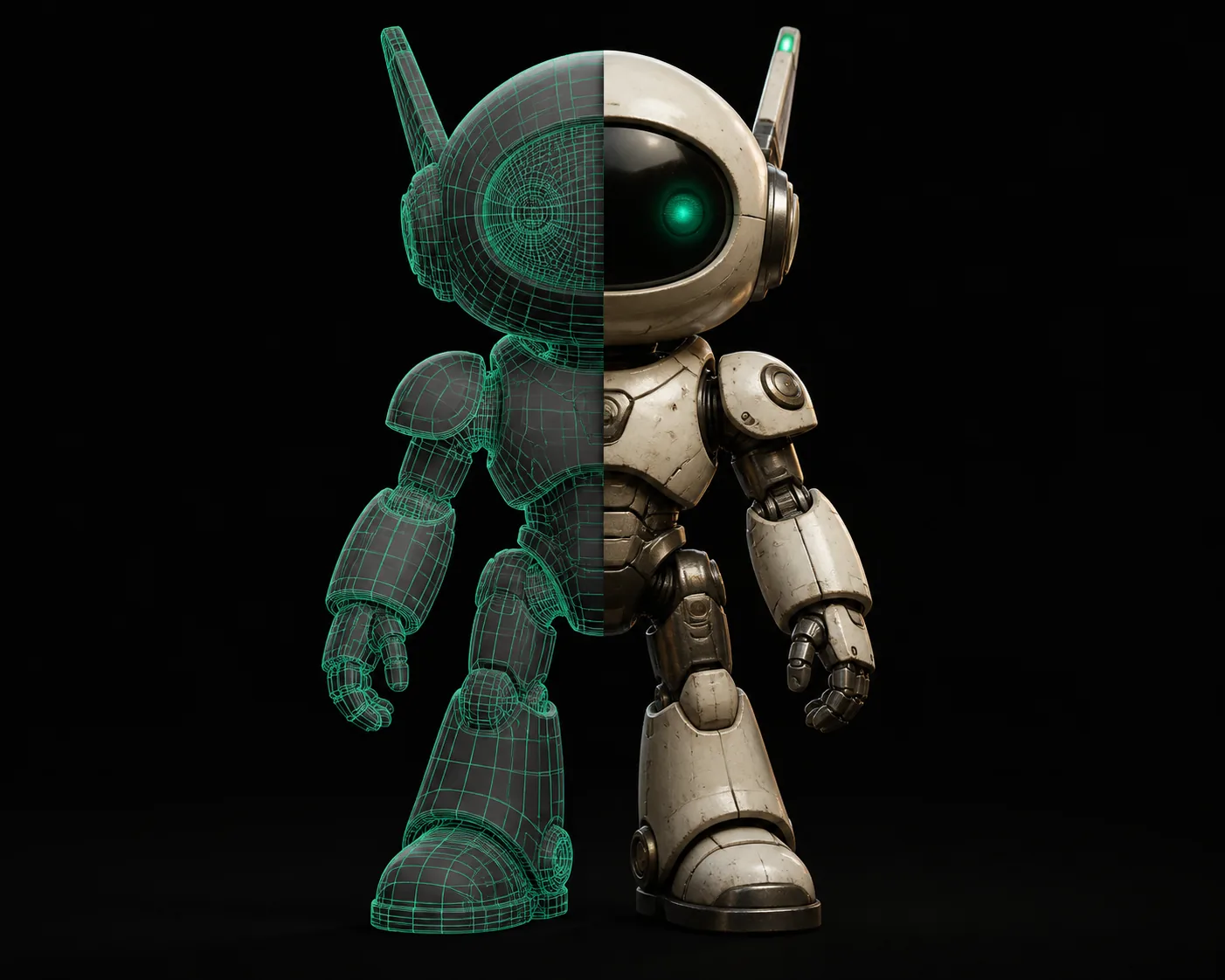
Pick Tripo 3D. Its output arrives quad-dominant with albedo, normal, and roughness maps attached, so the asset drops into Unity or Blender with minimal rework.
Stylized concept silhouette
Pick Hunyuan3D. It interprets loose prompts with more dramatic shapes, which is useful when you want to explore creature silhouettes before committing to topology.
Printable miniature
Pick Tripo 3D. Watertight OBJ and STL exports hold up better in slicers than Hunyuan’s denser triangle meshes.
Side by side
Capability matrix
The scenario tests point in one direction; the matrix shows why.
None of these rows are absolute, but they explain why Tripo is the safer default for production teams. If you are still comparing tools in this space, the tripo3d vs meshy head-to-head is the closest second opinion, and the best meshy alternative guide covers tools that sit between the two.
Honest caveats
Shared pitfalls
Both tools share blind spots. Knowing them saves an afternoon.
Thin texture detail up close
Diffuse maps flatten at close range in both tools. Workaround: repaint large surface details in Substance Painter.
Edge loops are not animation-ready
Automatic topology may be quad-dominant, but poles still land in the wrong places. Workaround: retopologize before skinning.
CAD logic breaks
Text, logos, and mechanical features get smoothed into mush. Workaround: model those parts manually.
Long prompts lose the ending
Both models ignore later prompt words when the scene gets complex. Workaround: generate objects separately and merge.
The pick
Our tradeoff
Tripo wins for production; Hunyuan wins for exploration. The cards below are the tradeoff in plain sight.
Tripo 3D
Verdict: best all-round pick for production.
- ✓ Quad-dominant export for engines
- ✓ Watertight STL/OBJ for printing
- ✓ PBR maps that survive a scene pass
- ✕ Stylized shapes are safer, less wild
Hunyuan3D
Verdict: best for fast concept exploration.
- ✓ Strong stylized organic shapes
- ✓ Loose prompts turn into bold silhouettes
- ✕ Denser triangle meshes
- ✕ Texture export is thinner
FAQ
Comparison FAQ
Quick answers to the questions that come up in this matchup.
Is Tripo better than Hunyuan?
For production assets, yes. Tripo’s cleaner topology and PBR maps save more time than Hunyuan’s faster silhouettes.
Can Hunyuan3D generate game-ready models?
It can generate game-style models, but the raw mesh is usually dense and needs retopology before Unity or Unreal will animate it cleanly.
What does Tripo do that Hunyuan doesn't?
Automatic retopology, watertight exports for printing, and a PBR map set that fits a standard game pipeline.
Which is easier for a beginner?
Tripo, because the output is usable sooner. Hunyuan is approachable, but beginners spend a lot of time cleaning mesh.
Ready to settle the Tripo vs Hunyuan question?
Generate one asset in each tool, then count the cleanup passes. Most teams end up on Tripo’s side.
Try Tripo 3D now