File Conversion
3MF to STL Conversion: Turn Any 3MF File Into a Clean, Slicer-Ready STL
Bring your 3D printing workflow together. Our 3mf to stl converter extracts the solid geometry from a 3MF model — including all its color and material information — and repackages it as a universal STL mesh that works in every slicer, printer, and CAD tool on the market.
Format Breakdown
What exactly changes when you go from 3MF to STL
Both formats describe the same 3D surface, but they store it very differently. Here's the side-by-side.
Real Conversion
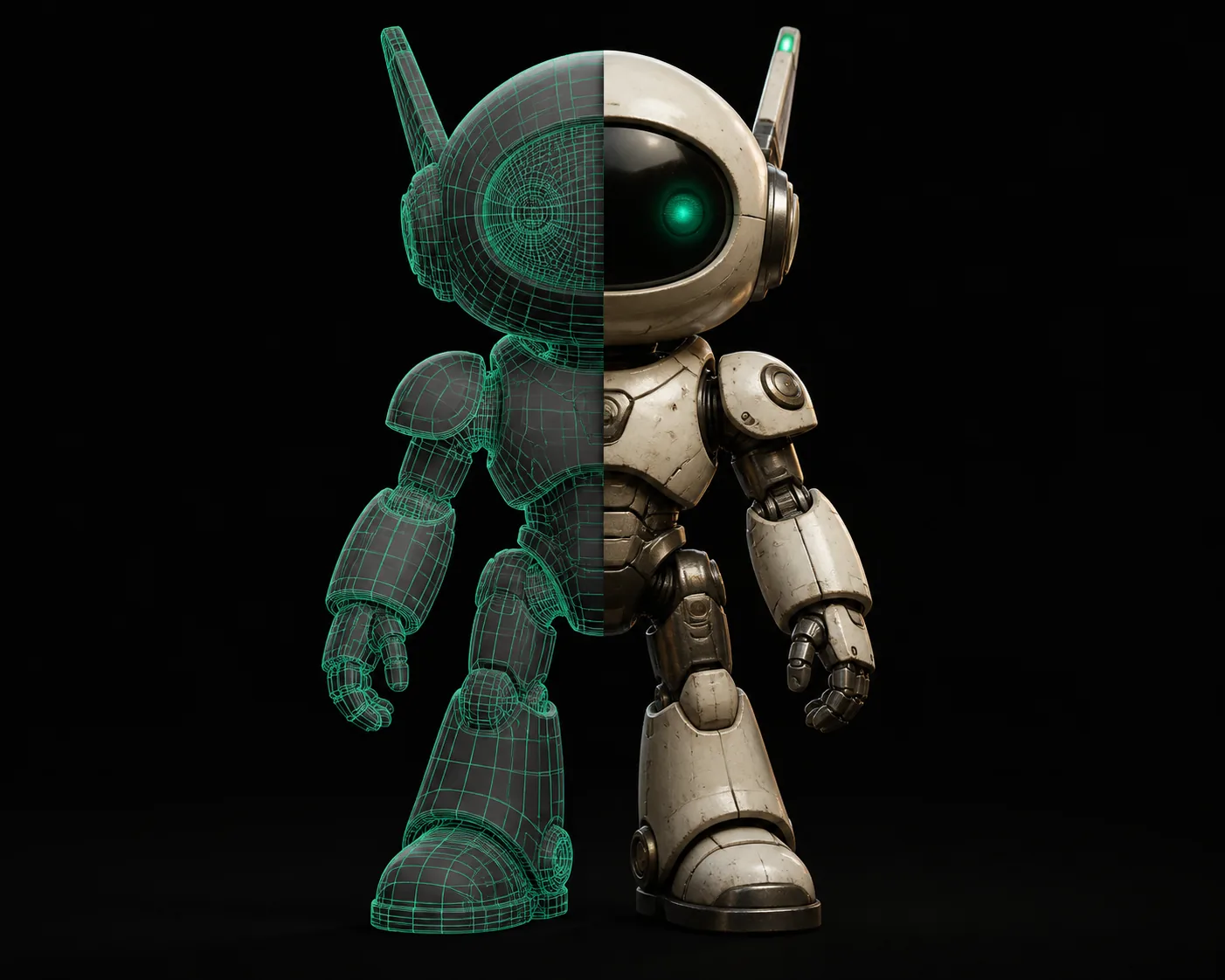
What your mesh looks like before and after
The colored 3MF model on the left becomes a single solid mesh on the right. All your print geometry survives — color is simply not part of STL.
Who Uses This
The 3MF to STL conversion solves real workflow problems
Different people run into 3MF files for different reasons. Here's how converting to STL helps each of them.
3D Printing Enthusiasts
You downloaded a detailed model from a multi-material design site, but your slicer chokes on the 3MF metadata. Converting to STL strips away the extras and gives you a clean mesh that prints flawlessly every time.
Desktop Manufacturers
Your client sends a 3MF prototype file from the design studio. To import it into your production software — which only reads STL or heavy CAD formats — you need the geometry in the rawest format possible.
Time Saver
How much time will converting 3MF to STL save you?
Drag the slider to estimate the number of files you process each week.
How It Works
Convert a 3MF file to STL in three steps
No software, no signup, no learning curve.
Upload your 3MF file
Drag and drop a .3mf file onto the conversion area, or tap "Choose file" to browse. Files up to 100 MB are handled with ease.
Let the converter work
Our tool unpacks the 3MF archive, extracts the mesh, and rebuilds it as a clean STL binary — preserving every triangle and surface detail. Nothing ever leaves your device.
Download your STL
Hit "Download" and you have a universal STL file, ready for any slicer, printer, or CAD application. It's that simple.
Verify & print
Quickly confirm the mesh loaded correctly in your slicer — then start printing or machining. The model keeps its scale precisely, since our converter carries over the original unit definition.
FAQ
Common questions about 3MF to STL conversion
The 3mf to stl tool drops color — is that a problem?
Only if you need to print in full color. The STL format simply has no way to store color or material data. What you get is perfect, watertight geometry that any slicer can process. If you need to keep colors for a multi-material printer, you may want to stay in 3MF for the slicing stage and only convert the final G-code.
Will my model come out the same physical size?
Yes. one of the advantages of the 3MF format is that it explicitly stores units (usually millimeters). Our converter reads that unit information and uses it to define the scale of the output STL, so your model's dimensions are preserved down to the micrometer. You won't have to re-scale anything in your slicer.
Why is the STL file smaller than the original 3MF?
That's expected. A 3MF file is a compressed ZIP package that can include color, textures, and even custom metadata, all of which get stripped during conversion to STL. Since STL is just the raw triangle mesh, the file becomes smaller — often 30–50% less than the 3MF, even though the geometry is identical.
Is the conversion really free and unlimited?
Completely. There is no watermark, no file-size limit for small models, and no daily cap. The conversion happens right in your browser using WebAssembly, which means we have no server costs for processing — so there's no reason to ever charge you. The only bandwidth we use is serving the converter itself to your browser.
Do I need to install any software?
No installation required. Just open this page in any modern browser (Chrome, Firefox, Safari, Edge), and the converter runs right there. Because everything happens locally, your 3D models never leave your computer — a major privacy win if you're working with proprietary or unreleased designs.
Your 3MF files, universally useful
Take that model from a designer's file format to something every tool understands. Convert in minutes, print for hours.
Convert your 3MF to STL now